 Agentdex
Blog · · Agentdex Editorial
Game Build Software (2026): Godot, Unity, Unreal, GDevelop and More for Indie Devs
Game build software is any tool that takes you from an idea to a playable, exportable game. In 2026 the options range from free, open-source engines like Godot and GDevelop to industry-standard platforms like Unity and Unreal Engine, plus AI tools that can scaffold code and assets from prompts. This guide covers which tools fit which projects, the trade-offs to expect, and how to ship your first game.
Key Takeaways
Free and indie-friendly tools (Godot, Phaser, GDevelop) give solo developers and small teams serious capability without big budgets.
There is no single "best" game engine; the right choice depends on your first game scope, 2D vs 3D, target platforms, and whether you want code, visual scripting, or no-code.
AI-assisted tools and emerging "AI game engine" concepts are best used as accelerators for code, assets, and testing, not as replacements for solid game design fundamentals.
For online multiplayer, use your engine's built-in networking or a hosted backend before writing your own servers.
If you plan to use AI coding agents or asset generators, see our guide to AI tools for indie game devs.
What is "game build software" in 2026, really?
Game build software covers every tool that moves you from a blank screen toward a shipped game: engines, scene editors, asset pipelines, exporters and, increasingly, AI helpers. The engine is the core. It handles rendering, physics, input and audio so you don't rebuild those systems from scratch, and most add an editor and asset tools on top.
Most engines support both 2D and 3D, with different strengths. The main categories:
Code-first engines: Godot (GDScript, C#), Unity (C#), Unreal (C++, Blueprints)
No-code and low-code game making software: GDevelop (event sheets), Construct (visual events), GameMaker (GML plus drag and drop)
Browser-based builders: microStudio, PlayCanvas and Construct, where you edit in a browser and get instant web builds
AI-assisted tools: prompt-to-prototype features inside engines, and coding agents that write scripts and generate assets
This guide is for AI coders, indie hackers and indie developers who want to make games without enterprise pipelines. The goal is to pick software that fits your current project, not your dream MMO three years from now.
How do I pick the right game build software for my first game?
Choose tools that match the game you plan to finish this quarter. Scope, target platforms and licensing matter more than popularity. Unity and Unreal Engine are the most commonly recommended engines, but "commonly recommended" doesn't mean right for everyone.
Ask yourself these questions before committing:
2D or 3D? A pixel art platformer has different needs than a third-person 3D shooter.
Single-player or multiplayer? Networking adds months of work; pick an engine with built-in support if multiplayer is core.
Target platforms? Web, mobile (iOS, Android), desktop or consoles (Nintendo Switch, PlayStation, Xbox). Not every engine covers every platform equally, and console exports usually need extra licenses or partners.
Workflow preference? Pure code, visual scripting, or no-code event sheets.
License and cost? Free and open source, or proprietary with revenue thresholds and royalties?
Realistic pairings:
First 2D desktop game: Godot or GDevelop
Fast browser prototype: Phaser or microStudio
3D PC or console ambition: Unreal or Unity, if you accept the complexity
Some tools get you to a playable game in days but hit ceilings when scenes get heavy or networking is needed. Others have a steeper learning curve but give you full control for years. A tool with an active community and good tutorials makes life much easier when you hit your first wall.
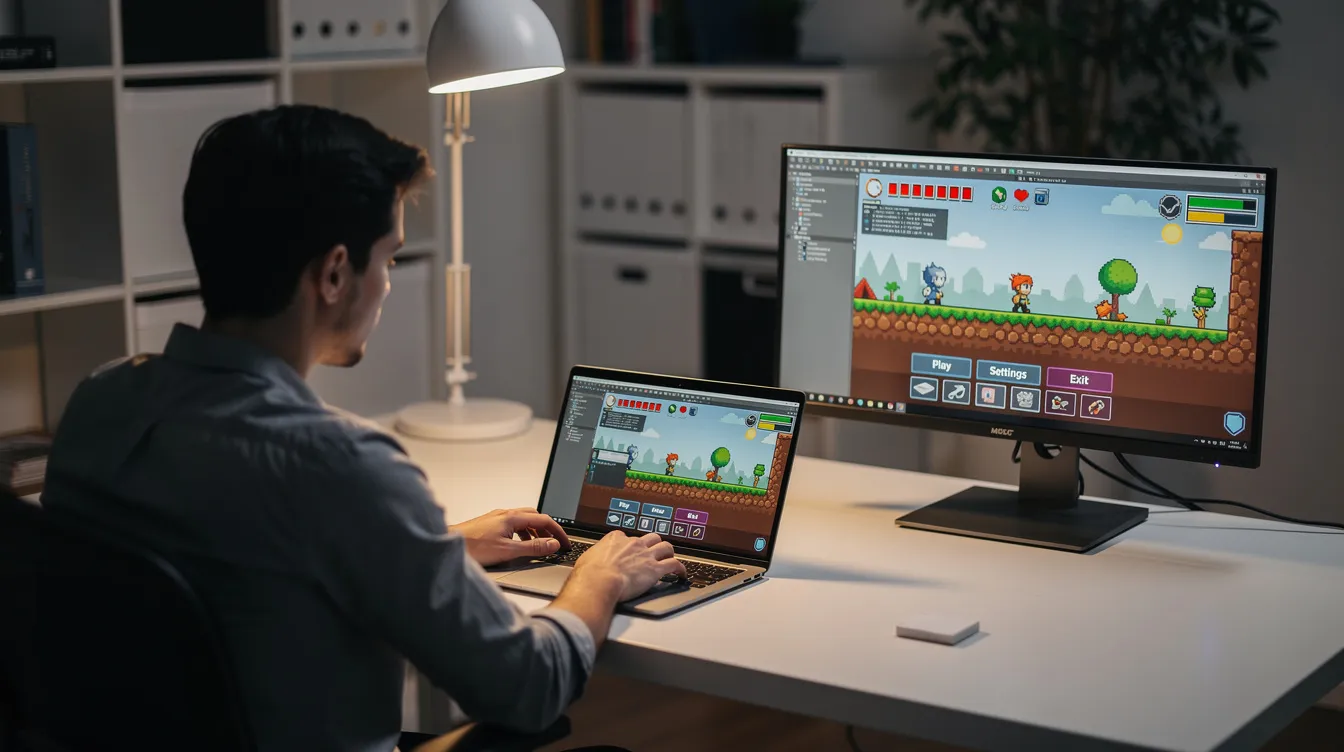
Which game engines and builders are worth learning in 2026?
Here are the engines and builders small teams use most, with honest pros and cons. Pricing and license details are as of October 2026.
Godot (current stable: 4.7.2)
Godot is a free, open-source engine for 2D and 3D games under the MIT license: no fees and no royalties, at any revenue. The editor is a small download that runs without installation. GDScript is the main language, with C# and C++ (via GDExtension) also supported. Its 2D tools handle pixel art and tile-based games well, and its 3D has improved with the Vulkan-based renderer and Jolt physics. Exports cover Windows, macOS, Linux, Android, iOS and the web; consoles go through third-party porting companies. A strong pick for indie and solo developers who want a capable engine without license costs.
Unity
Unity has a mature ecosystem: a large Asset Store, broad documentation and export to mobile, desktop, web, XR and consoles. You write C#, with optional visual scripting. The editor is heavier, and choosing a render pipeline (URP vs HDRP) early can feel overwhelming. Unity Personal is free if your revenue and funding are under $200,000 in the last 12 months; above that you need Unity Pro ($2,310 a year or $210 a month per seat), and console publishing requires Pro. Unity has also added AI features for building prototypes from prompts; we cover those in our best AI game makers guide.
Unreal Engine
Unreal Engine is the go-to for high-fidelity 3D, cinematic projects and AAA-style work. You combine Blueprints (visual scripting) with C++. It's free to use, with a 5% royalty on a product's lifetime gross revenue above $1 million; revenue from sales through the Epic Games Store is royalty-free. The learning curve is steep: long compile times, high hardware requirements and many subsystems. For a 2D puzzler, it's overkill. For a 3D action game on PC or console, it pays off.
GDevelop
GDevelop is an open-source (MIT) no-code engine for 2D and 3D games. You build logic with event sheets instead of code, and it has built-in AI help for creating and editing games. It exports to web, desktop and mobile. The free plan allows one desktop or Android export per day; iOS publishing starts on the paid Gold plan. Check GDevelop's pricing page for current limits. Best for beginners making their first game.
GameMaker
GameMaker is built for 2D games. It's free for non-commercial use; selling your game requires the Professional license ($99.99 one-time), and console exports need the Enterprise subscription. The language, GML (GameMaker Language), is approachable for people learning to program, and there's a visual option too. It has a long 2D track record: Hyper Light Drifter and Undertale were made with it. Exports cover desktop, mobile and web.
Construct
Construct is a browser-based, no-code 2D engine built around visual event sheets, with optional JavaScript. It exports to the web, and to desktop and mobile through wrappers. It's sold as a subscription, and the free version has limits; check Construct's site for current plans. Good for polished 2D arcade and educational games.
microStudio
microStudio is a free, browser-based environment for 2D games. You can code in microScript (its own simple language), JavaScript, Python or Lua, and invite others to work on a project together. Good for quick prototypes, web game jams and teaching.
PlayCanvas
PlayCanvas is an open-source WebGL and WebGPU engine with a browser-based editor that supports real-time collaborative editing. It also supports WebXR for AR and VR in the browser. Best for web-first 3D projects and teams that want instant sharing.
Several of these tools work well with AI coding agents and asset generators. Browse the Agentdex directory to see which agents fit your engine.
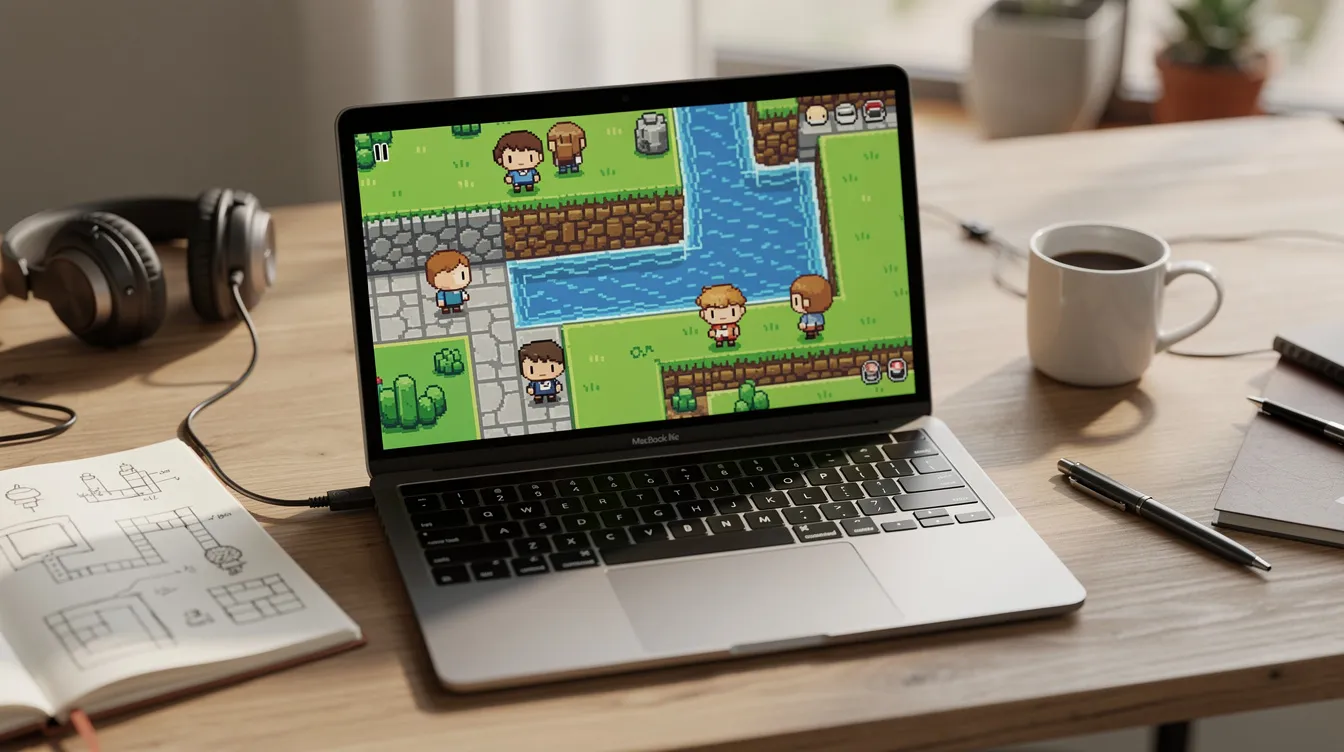
How do popular game build tools compare at a glance?
The table below summarizes the core differences. Check each vendor's official documentation for current platform and license details.
Tool | Type | 2D/3D Support | Open Source? | Best For | Typical Export Targets | Learning Curve |
|---|---|---|---|---|---|---|
Godot | Code-first (GDScript/C#/C++) | Strong 2D; growing 3D | Yes (MIT license) | Indie 2D/3D, solo/small teams | Desktop, mobile, web; consoles via porting partners | Gentle |
Unity | Code + visual scripting | Good 2D; industry-leading 3D | No (free tier under $200K) | Cross-platform mobile, XR, mixed 2D/3D | Desktop, mobile, web, consoles | Moderate |
Unreal | Visual scripting + C++ | Limited 2D; best 3D | No (source available; 5% royalty above $1M) | AAA, photorealism, virtual production | Desktop, consoles, some mobile/VR | Steep |
GDevelop | No-code / event-based | Strong 2D; basic 3D | Yes (MIT) | First games, prototyping without code | Web, mobile, desktop | Very gentle |
GameMaker | Low-code (GML) | Excellent 2D; minimal 3D | No (free for non-commercial) | 2D indie, pixel art, retro-style | Desktop, mobile, web | Gentle |
Construct | No-code / visual events | Excellent 2D; minimal 3D | No | Browser games, educational, 2D mobile | Web; desktop/mobile via wrappers | Gentle |
PlayCanvas | Hosted / browser-first | 3D via WebGL/WebGPU; 2D via layers | Engine yes (MIT); editor is a hosted service | Web 3D, team collaboration, AR | Web, HTML5 | Moderate |
Use the table to match export targets with where you want your game to land. If open source matters for your budget or values, Godot and GDevelop stand out. Learning curve labels are relative; "moderate" still means weeks of ramp-up for 3D work.
What's the difference between a game engine and other software to build games?
A game engine provides ready-made systems for rendering, audio, physics, input and scene management, so you don't write those yourself. Unity, Godot and Unreal are full environments: editor, runtime, asset pipeline and exporter in one app.
A framework or library (Phaser, MonoGame, Three.js) gives you the pieces: a renderer, input handling, maybe physics. You write the glue code in your own editor, such as VS Code. You get more control over architecture, but you build more infrastructure yourself.
Hosted builders (microStudio, PlayCanvas, Construct) let you work entirely in a browser. Collaboration is often built in, and you can playtest and share a link instantly. The trade-off: you depend on the service, and native desktop or console exports may be limited or unavailable.
Engines: most control, offline workflows, full access to code
Frameworks: lighter, flexible, but require more assembly
Hosted builders: fastest start, best for web and collaboration, but ceilings on performance and platform reach
How is AI changing game build software right now?
AI shows up in two forms: features inside editors (code help, asset generation, prompt-to-prototype) and standalone AI coding agents that work on your project files.
A Gamedev.js community survey of 445 web game developers, published in December 2025, found that 28.1% were already using AI tools for graphics assets and 18.4% for sound and music, both up from the year before.
What people call an "AI game engine" is usually an existing engine plus an agent plus prompt-driven scaffolding. It can write boilerplate for movement and UI, draft dialogue and quests, create placeholder art or animation, and help balance stats. It doesn't ship a finished, polished game on its own.
Trade-offs are real:
AI speeds up prototyping but can encourage over-scoping
Generated code may be buggy or unoptimized; debugging it without understanding the underlying system is painful
Asset licensing for AI-generated content can be unclear; check terms before you publish
Leaning on AI too early can stunt the skills you need to develop and maintain a game long-term
Agentdex tracks AI coding tools, game dev agents and AI game makers as an independent directory. Rankings are never for sale and sponsored listings are labeled. For 3D assets specifically, see our AI 3D model generator guide.
What tools do I need beyond the core game engine?
Your engine handles the runtime. The rest of your workflow needs supporting tools.
Code and version control:
VS Code or Visual Studio for C#, C++ and GDScript editing (Godot also has a built-in script editor)
Git with GitHub or GitLab for version control
Simple issue tracking: GitHub Issues or a Notion board
Art and animation:
Audio:
Audacity for editing sound effects and voice
LMMS or a DAW like Reaper for music; audio exported from any DAW works in any engine
sfxr-style generators such as Bfxr or ChipTone for retro sound effects; simple foley recording still works for small games
Build and deployment:
itch.io butler for uploading builds
Steamworks SDK for desktop and Steam releases
Command-line export in Godot, Unity and other engines
Browser export in tools like GDevelop and microStudio
Quality assurance and testing:
Built-in profilers (Unity Profiler, Godot's debugger and profiler)
Automated playtest scripts where supported
On-device testing for mobile builds; some engines offer quick preview options
How do I use game build software to ship online multiplayer games?
Start with a caveat: multiplayer is harder than single-player by a wide margin. Do not make a fully networked game your absolute first project. Build and ship something single-player first, then add networking to your next title.
Key multiplayer concepts in plain English:
Authoritative server vs. peer-to-peer: the server owns the game state (more secure, harder to set up) vs. players share state directly (simpler, easier to cheat)
Lag compensation: techniques that make a game feel responsive even when network delay is noticeable
Rollback netcode: the game predicts inputs and "rolls back" when the prediction was wrong; critical for real-time action games
Matchmaking and lobbies: pairing players and holding them in a waiting area before a session starts
Engine-level options:
Unreal has a built-in networking model designed for authoritative servers
Unity offers networking packages (check their current recommended stack, as it has changed over the years)
Godot has high-level multiplayer APIs; community projects like Netfox add rollback, interpolation and replication
GDevelop includes built-in multiplayer and leaderboards for simpler online games
For web games, server frameworks like Colyseus pair with Phaser or PlayCanvas
Realistic scope advice: start with turn-based or simple co-op. Use official samples and templates from your engine rather than inventing custom protocols. Shipping a working two-player game teaches you more than designing a 64-player battle royale on paper.
What does a realistic game build workflow look like from idea to export?
Here is a step-by-step tour focused on small indie projects.
Short design brief: one page describing core mechanic, art style, target platform, and a "must-ship" feature list. Keep ideas constrained.
Prototype scene: create a new project, add one controllable character, and use built-in physics for movement. Playtest within minutes.
Core mechanics loop: wire the main interaction (shooting, jumping, dialogue, puzzle). Iterate in short play test loops; most engines support instant-play previews or hot reload.
One vertical slice: build a single complete level with placeholder art, basic UI, and simple audio. Test on your target device.
Polish pass: replace placeholders with final art and sound effects, add menus, save/load, and a quick start tutorial screen.
Export and publish: use your engine's exporter and upload to itch.io, Steam or an app store, depending on your platform. Each store has its own fees, review process and requirements, so read them before launch week.
Marketing starts before launch. Even a short video of your prototype can build interest, and a demo gives players a reason to wishlist or follow your game.
Document your process in a simple text file or board. Your next game will go faster. The rest is iteration: test, fix, improve, ship.
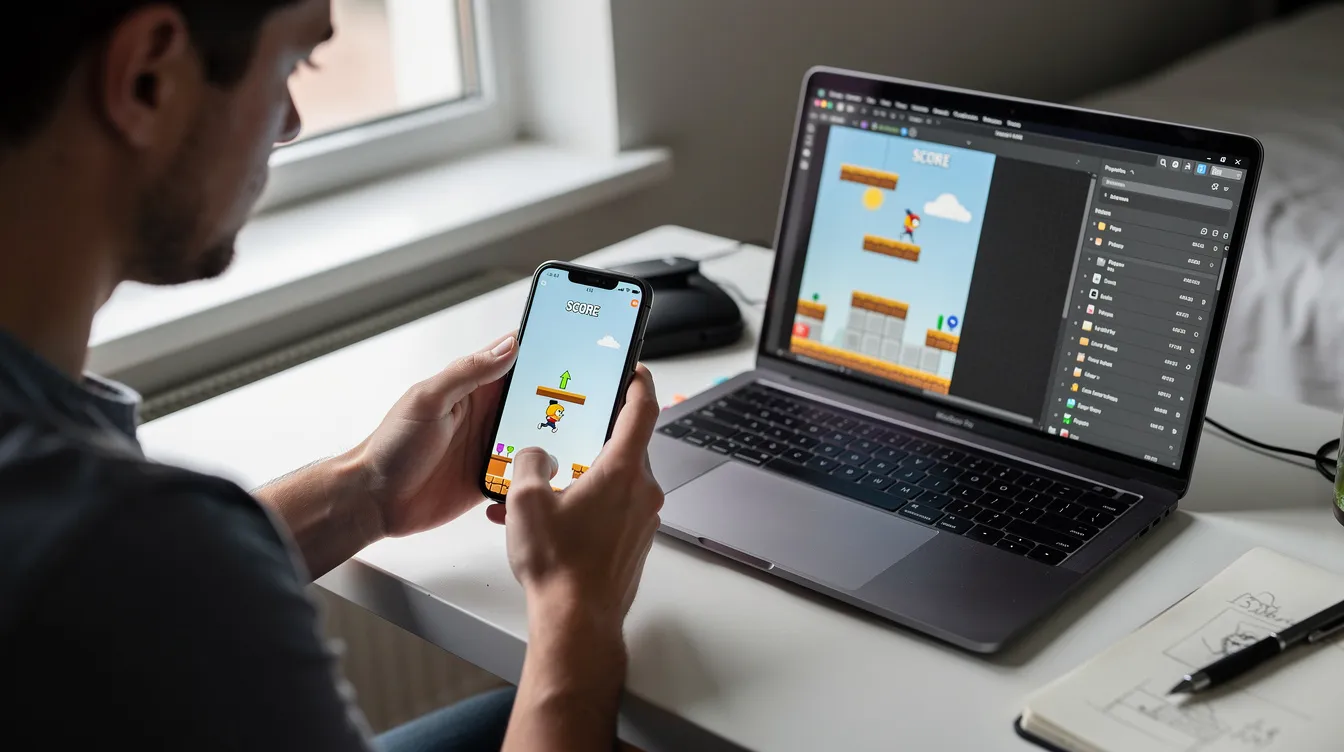
How do open source engines compare to closed-source options?
"Open source" here means engines like Godot (MIT), GDevelop (MIT) and Phaser (MIT) where you can read, modify and redistribute the engine code. The MIT license lets you sell games without opening your own game code or paying royalties.
Open source strengths:
Transparency: community fixes, public development, and no license terms that can change on you retroactively
Freedom to fork; no mandatory account or online activation
Cost: Godot is completely free at every revenue level
Many successful indie titles have shipped on open-source tech
Proprietary strengths:
Polished editors with larger official support teams
Large asset marketplaces (Unity Asset Store, Fab for Unreal Engine)
Integrations with analytics, ads, and platform SDKs out of the box
Official console support paths through the vendor
Risk factors for proprietary tools: changing terms, mandatory accounts, and dependence on one company's roadmap. Engine vendors have made abrupt pricing changes in recent years.
Risk factors for open source: smaller asset stores, slower adoption of some new hardware features, and console releases that usually go through third-party porting partners.
Match your choice to your values and risk tolerance, especially for long-lived projects or a commercial series.
How can Agentdex actually help me choose game build software?
Agentdex is an independent directory of AI coding tools, coding agents and AI game makers for AI coders and indie developers. Rankings are never for sale, and sponsored items are always labeled.
Use Agentdex to:
Find AI agents that work well with Unity or Godot scripting
Find browser-based tools for fast game jams
Compare AI features across game makers in our best AI game makers guide
Follow new agents and builders through Model Pulse, our daily newsletter
Grab the free Vibe Coder Starter Kit for starter rules and checklists you can use on your first or next game.
Treat tool choice as an experiment. Try two or three engines with tiny prototypes over a weekend each, then commit to the one where your workflow feels natural. Join its community, learn its docs, and ship something.
FAQ
What is the easiest game build software for complete beginners?
No-code engines like GDevelop and Construct are the fastest path from zero to a playable 2D game. Both use visual event systems and templates, so you can build logic without writing code. If you're willing to write some code, Godot with GDScript or microStudio offer a gentle learning curve with more long-term control. Try two tools for a weekend each using their official tutorials, then pick the one that clicks.
Can I make commercial games with free or open source engines?
Yes. Godot and GDevelop use the MIT license, which allows commercial releases without royalties or opening your game code. Read each engine's license page before shipping a paid game, and check store and console terms (Steam, App Store, console SDKs) for anything bigger.
Do I need an AI coding agent to make my first game?
No. AI tools are optional accelerators, and plenty of good first games were made without them. Agents help with boilerplate (menus, basic controllers, save/load) and debugging, but they can produce code you don't understand if you lean on them too early. Treat AI as a pair programmer for learning, not an autopilot. When you're ready, the Agentdex directory lists agents side by side.
Which game build software is best for browser and HTML5 games?
Phaser, PlayCanvas, GDevelop and microStudio are built around HTML5 and WebGL, which makes them strong choices for web-first projects. In the Gamedev.js Survey 2025 of 445 web game developers, Phaser was the most used framework at 35.8%, followed by Unity (24.7%) and Godot (24.4%). Godot and Unity can also export to the web, but builds may be larger and need more tuning. If instant play in a browser matters most, use a web-focused tool.
How long does it take to build a small game with these tools?
It depends on scope, experience and available hours. A tiny 2D arcade game can be prototyped in a weekend and polished over a few weeks. Most delays come from adding features, not from the engine. Define a must-ship feature list up front and start from your engine's templates or samples. Finishing something small and getting it in front of players teaches more than polishing a design document that never ships.
Written by Agentdex Editorial. Agentdex is an independent directory reviewing AI coding tools; we are not affiliated with the companies mentioned. Prices and features are as of October 23, 2026, from official sources linked above. Always confirm on the vendor's site.