 Agentdex
Blog · · Agentdex Editorial
App Making Games (2026): How to Build and Publish a Game from Your Phone
Your phone is no longer just a device to play games - it can be the place where you create them. In 2026, a growing wave of mobile tools lets anyone build, test, and publish games without ever opening a laptop. This guide walks you through what these tools are, how to pick the right one, and how to go from a blank screen to a live listing on the Google Play Store.
Key Takeaways
App making games are mobile tools that let anyone build 2D and 3D games directly on their phone, often with no coding skills needed.
Agentdex helps indie creators choose the right AI game engine or game-making app through independent rankings that are never for sale.
Modern engines and AI tools make it realistic to ship a first small 2D game to Google Play or the App Store in weeks, not years. Budget for store fees and Google Play's testing rules.
Creators can start with natural-language prompts, visual editors, or classic coding workflows depending on their preferences and long-term game dev goals.
This article covers picking an engine, designing your game, and publishing it, with concrete examples and practical next steps.
What Are "App Making Games" and Why They Matter in 2026
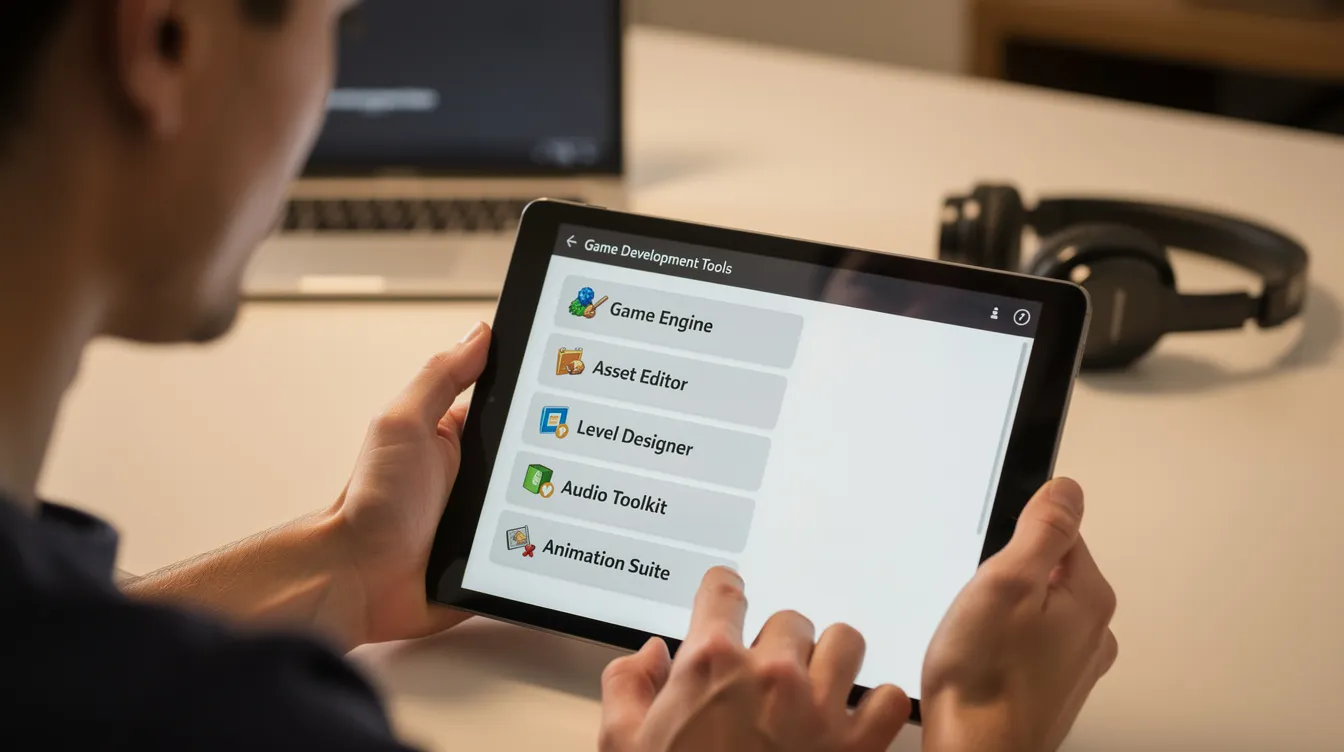
App making games are mobile apps and lightweight engines that let users create games and simple apps directly on Android or iOS devices. Instead of requiring a PC, a traditional game engine, and months of programming knowledge, these tools put a drag-and-drop editor, visual logic, and increasingly AI-powered generation right in your pocket.
A game engine provides the core framework for game development - physics, rendering, input handling, and asset management. Traditional engines like Unity run on a desktop. App making games bring a simplified version of that framework to your phone. Mobile game development tools range from beginner-friendly to professional engines, so there is an option for almost every skill level.
Here is how it works in practice:
AI-driven game makers accept a sentence like "a 2D platformer where a robot jumps across rooftops in 2089 Tokyo" and generate playable scenes, placeholder sprites, and basic logic. You refine from there.
Max2D runs entirely on Android. It has an AI game maker that generates 2D or 3D games from a prompt, a separate no-code 2D editor that works offline, more than a million downloads on Google Play, and APK/AAB export from editor projects for your own Play Store release.
These tools are popular with teens, hobbyists, and indie game developers who want to prototype ideas quickly, explore creative possibilities, and imagine new worlds - all without a PC.

Choosing the Right Game Engine or App Maker on Mobile
The "best" engine depends on what you want to accomplish: learning professional game development, shipping a fast mobile game, or just having fun experimenting on the couch. Choosing the right game engine depends on the project scope and target audience.
Key decision factors to explore:
Target platforms - Google Play Store only, or also Steam, web, Nintendo Switch, or Apple Vision Pro? Some tools export only to Android; others produce builds for multiple platforms.
2D and 3D support - 2D is easier for beginners. Unreal Engine is built for high-end 3D graphics but needs a powerful machine. Cocos Creator is aimed at casual, lightweight mobile games.
Coding requirement - no-code (events and blocks), low-code (visual scripting plus optional scripts), or full code (C#, GDScript, Java).
Export options - APK, AAB, Xcode projects, or browser builds. Free tiers of some tools add watermarks or limit commercial use.
Category | Examples | Best For |
|---|---|---|
Classic engines | Full control, scaling projects | |
No-code / low-code | Fast prototyping, learning | |
AI-driven mobile | Max2D (phone), Flowlab (browser) | Phone-only creators, quick ideas |
Unity is one of the most widely used engines for mobile games. Godot is free, open source and charges no royalties. GameMaker is popular for 2D games and rapid prototyping. GDevelop is an open-source engine for 2D and 3D games that runs on desktop or in a browser. Flowlab runs in the browser, lets you edit sprites and logic inside the game, and says nearly 3 million games have been made with it.
Some tools pitch themselves as the only game engine you'll ever need. Agentdex stays independent: we rank several engines for different use cases because no single tool fits every creator.
From Idea to First Game: A Simple Workflow on Your Phone
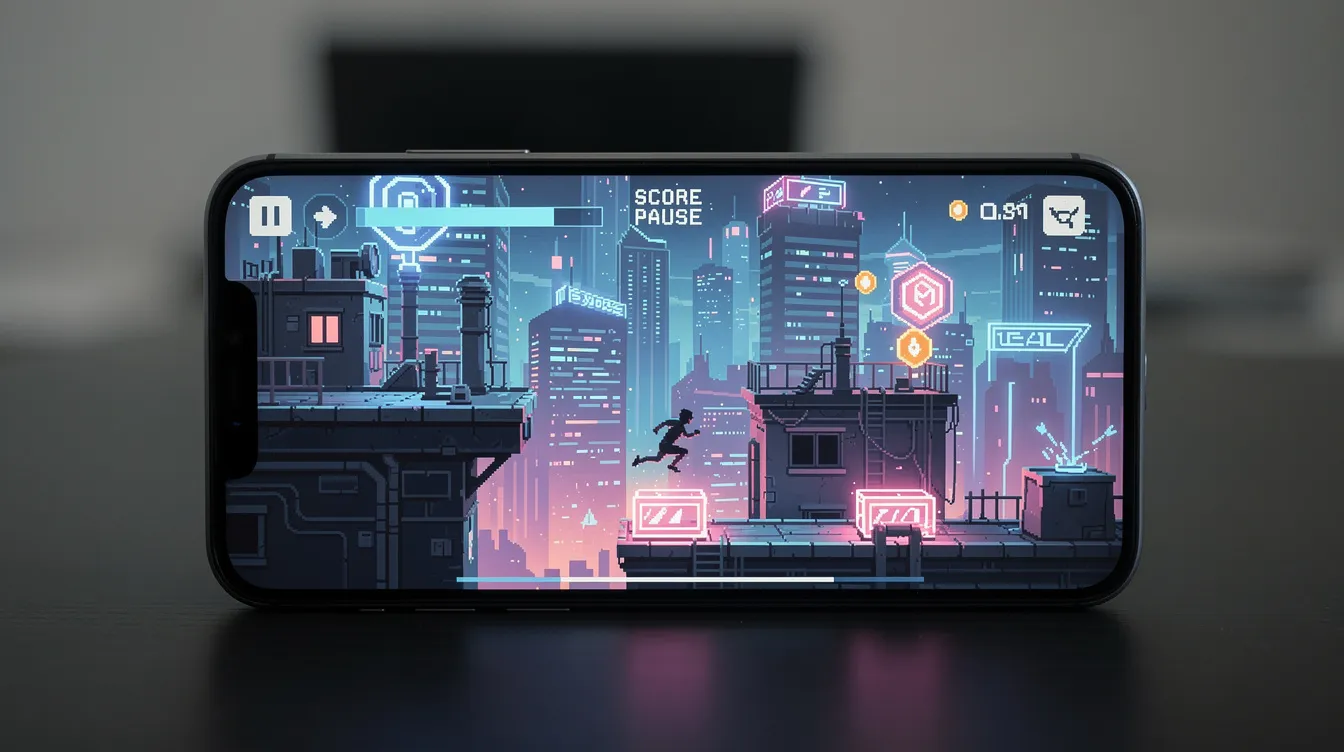
Game development involves planning, selecting tools, and publishing. Here is a high-level workflow using a sample concept called Neon Courier - a 2D endless runner set in a futuristic neon city.
One-sentence pitch: "A courier dashes across neon rooftops, dodges drones, and collects glowing packages under a rainy sky."
Scope decision: Choose 2D for your first game. Fewer assets, simpler controls, better performance on older devices.
Pick your tool: Max2D if you want everything on your phone. GDevelop if you want cross-platform export and an event-based editor you can open in a browser.
Design the core game loop: Run → dodge objects → collect packages → crash → restart. Add a speed increase over time to shape difficulty.
Build with AI or visual logic: Describe enemies, power-ups, and characters in plain English if using an AI-assisted tool. More advanced users can gradually develop actual scripts.
Test on device: Thorough testing and user feedback are essential before game launch. Check button sizes, readability, and difficulty curve.
Developers should focus on a minimum viable product for initial production. Common pitfalls for first-time creators: overscoping 3D worlds, adding multiplayer too early, and ignoring basic UX like readable buttons on small screens.
Game Design Basics for App-Made Games
Even with powerful AI and drag-and-drop tools, solid game design still decides whether a game feels fun or forgettable. Here are the essentials:
Clear goals and feedback - Players should know what to do every second. Use sounds, screen shake, and animations to reward success.
Simple controls - Big on-screen buttons, optional auto-run, and gestures tuned for touchscreens. Avoid tiny, fiddly objects.
Tight game loops - Casual mobile games thrive on short loops: start a level, make interesting choices, get a reward, restart quickly. That's what brings players back during commutes or school breaks.
Progressive difficulty - Start easy, then gradually increase speed or obstacle frequency. Let players learn before punishing mistakes.
Accessibility - Color-blind friendly palettes, subtitles, and configurable controls matter for broad audiences on the app stores.
GDevelop also offers multiplayer lobbies, leaderboards and player accounts, which add a community layer that keeps players around after the first download.
Do You Really Need Coding Skills for Making Games?
In 2026 you can absolutely ship a simple 2D mobile game without traditional coding. But learning some logic still helps you go further.
Three paths to making games:
Pure no-code - GDevelop is an open-source no-code game engine. GDevelop's event system uses "if/then" logic for game design, so you plan rules visually instead of writing code from scratch.
Low-code - Visual scripting plus small scripts in GML (GameMaker) or JavaScript (GDevelop). GDevelop offers in-app tutorials and courses for learning, so you can level up at your own pace.
Full code - C#, GDScript, Lua, or Kotlin for Android. This path unlocks the deepest control and lets you optimize games for performance.
AI assistants in some engines generate scripts from text - "make the player double-jump if they collect this power-up" - then let you tweak the result. Over life of a project, you naturally absorb programming concepts by reading generated code.
Learning ladder: ship your first game with no-code events, add simple variables and conditions in the second, and try a full scripting language in the third. On Agentdex you can compare tools by coding requirement: no-code only, visual scripting or traditional code.
Publishing Your Own Game on Google Play Store and Beyond
Publishing to the Google Play Store or Apple's App Store is realistic for solo devs using modern engines. Here is the high-level plan:
Export a signed build - APK or AAB from your engine. GDevelop's paid plans add one-click publishing to Android, Steam and iOS. Max2D exports APK and AAB files from supported editor projects on your phone.
Create a developer account - Google Play charges a one-time US$25 registration fee. The Apple Developer Program costs $99 a year.
Prepare your store listing - App name, icon, screenshots, description, age rating, and category. Use pages that showcase your game clearly.
Test and publish - New personal Google Play accounts (created after November 13, 2023) must run a closed test with at least 12 testers opted in for 14 days in a row before they can apply for production access. Plan for that, then submit for review.
Flowlab can publish games for iOS, Android, Windows and Mac. Max2D lets you share games inside its own community feed if you want early feedback from other creators before a wider release.
Basic compliance points: you need a privacy policy if using ads or analytics, a content rating, and adherence to store guidelines. Free tiers of some tools may add watermarks - check before you publish to avoid rejection.
How Agentdex Helps You Pick the Best Tool for Making Games
Agentdex is an independent directory of AI coding tools, coding agents and AI game makers for indie hackers and AI coders. Rankings are never for sale, sponsored placements are always labelled, and reviews are based on vendor documentation and public creator feedback, not marketing copy.
You can browse by topics like no-code 2D engines, AI game dev assistants, phone-only game makers or engines with mobile export. Whether you're shipping a first prototype or scaling a commercial release, it helps you see which tool fits.
Grab the free Vibe Coder Starter Kit for curated prompts, rules packs and setup guides. Subscribe to Model Pulse, our daily AI newsletter, for new game-making apps, engine updates, pricing changes and store policy shifts.
FAQ
These FAQs cover common questions not fully answered above, focused on practical concerns of first-time creators.
Can I really make a full game on my phone without a PC?
Yes, for simple games. You can design, build, test and even publish simple 2D games entirely from an Android phone or tablet with tools like Max2D. Complex 3D worlds, heavy multiplayer or desktop ports usually need a desktop-class engine. A good workflow: prototype on mobile first, then rebuild the project in a traditional engine if the game gains traction.
Should my first game be 2D or 3D?
Start with 2D. It's easier to design and runs better on budget devices. Many indie hits on mobile and Steam are 2D, which shows that fun design matters more than complex 3D graphics. Once you've shipped a couple of 2D projects, simple 3D becomes much more manageable.
How long does it take to make a simple mobile game with these tools?
A tiny AI-generated prototype can be playable in minutes. A polished casual game can take a few weekends or several months of part-time work, depending on scope (levels, art, sound), whether assets are stock or custom, team size and how well you know the engine. Time-box your first project, say four weeks, to avoid endless tweaking. On Google Play, add at least 14 days of closed testing for a new personal account.
Are app-making games good for learning "real" game development?
Yes. No-code and AI-driven tools teach game design fundamentals: feedback loops, pacing and moment-to-moment gameplay. Flowlab, for example, runs a dedicated program for teachers. For studio-level skills you'll eventually need an established engine and at least one programming language, but shipping a few small projects first gives you a head start.
Can I monetize games created with these mobile app makers?
Many engines and game-making apps support common monetization options: in-app ads, in-app purchases or premium pricing, especially when you export to Google Play. Each tool has its own licensing rules, and some features need paid plans. Max2D's Play listing, for example, notes that AI creation uses paid features. Always check the official documentation before a commercial launch.
Written by Agentdex Editorial. Agentdex is an independent directory reviewing AI coding tools; we are not affiliated with the companies mentioned. Prices and features are as of October 24, 2026, from official sources linked above. Always confirm on the vendor's site.