 Agentdex
Blog · · Agentdex Editorial
AI Game Development Tools (2026): Code, Art, 3D and Prototypes
AI game development tools now cover almost every part of making a game: writing code, generating art and 3D models, brainstorming ideas and even building whole prototypes from a prompt. The hard part is knowing which tool fits which job, what it costs and where the limits are. This guide sorts the main options by task as of October 24, 2026, with verified pricing where vendors publish it and honest notes on the trade-offs.
Key Takeaways
- Pick your engine first. Godot is free and MIT-licensed, Unity Personal is free up to $200,000 in revenue and funding, and most AI tools plug into either.
- For code, coding agents such as Claude Code (Agentdex profile), Cursor (Agentdex profile) and GitHub Copilot (Agentdex profile) do the heavy lifting. Copilot Free is the cheapest way to start.
- For assets, Meshy and Tripo generate 3D models, but free tiers come with licensing limits. Read them before you ship.
- Prompt-to-game tools such as Rosebud and GDevelop's AI features are great for prototypes. Larger projects still need a real engine and human design.
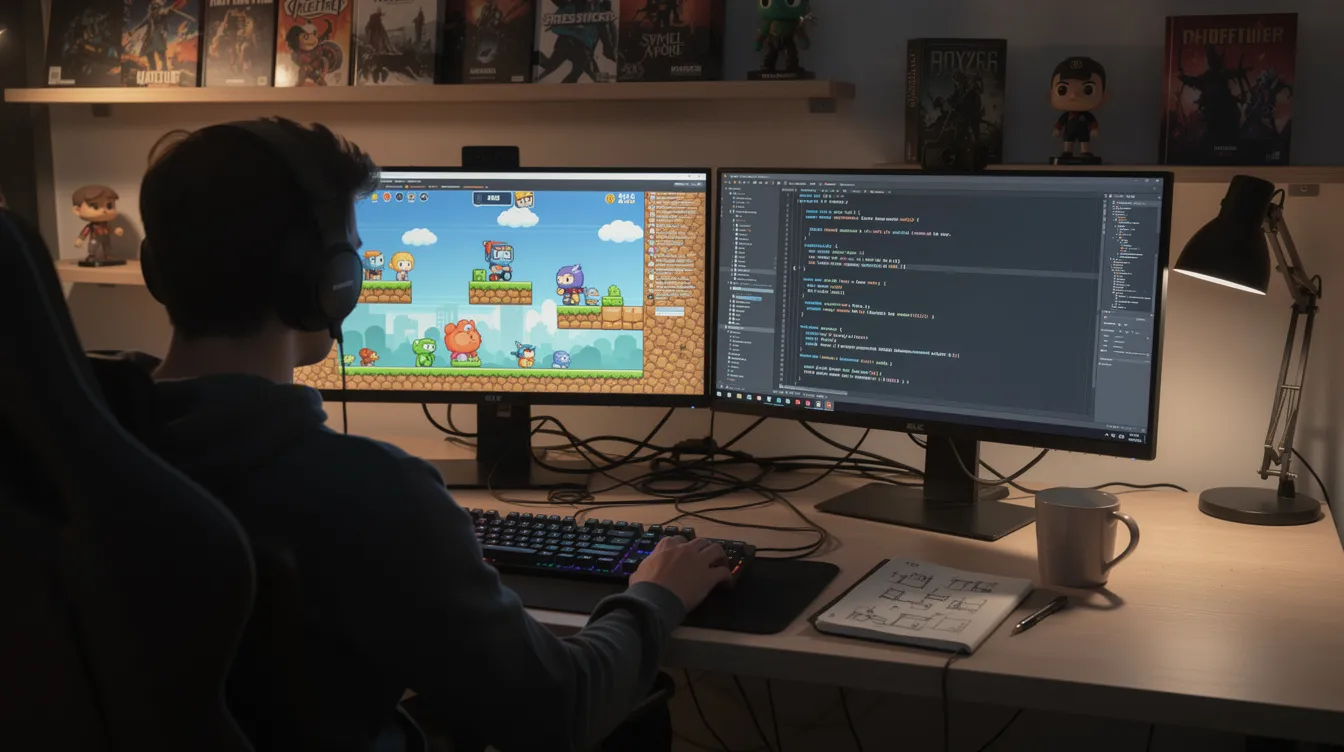
AI tools by task
Task | Tools | Starting price (Oct 2026) |
|---|---|---|
Writing game code | Claude Code, Cursor, GitHub Copilot | Copilot Free; Cursor Free; Claude Pro $20/month |
Prompt-to-game prototypes | Rosebud, GDevelop | Rosebud free starter credits; GDevelop free tier |
3D models | Meshy, Tripo | Free tiers; Meshy Pro $20/month; Tripo Pro $20/month billed annually |
Ideas, art and animation | Indie $15/month billed annually | |
Cleanup and editing | Blender is free |
Game engines that work well with AI
AI tools are only as useful as the project they work on. Three engines cover most indie needs:
- Godot is free and open source under the MIT license. Its scripting language, GDScript, is simple, and its text-based scene files are easy for AI agents to read and edit.
- Unity is a popular choice for indie and mobile games, scripted in C#. Unity Personal is free for customers with up to $200,000 in revenue and funding. Unity has also announced Unity Spark, an AI tool that is in closed beta.
- Unreal Engine leads on high-end 3D. It is free to start, and Epic charges a royalty once a game passes a revenue threshold, so read Epic's license terms before you commit.
For browser games, the free JavaScript framework Phaser is a good match for AI coding agents. Our game build software guide compares engines in more depth.
AI coding tools for games
This is where AI saves the most time. Coding agents can write movement, enemy AI, save systems, UI and tooling scripts from a plain-English description.
- Claude Code is Anthropic's coding agent for the terminal and IDE. It comes with Claude Pro at $20/month ($17/month billed annually) and higher Max plans from $100/month. It handles multi-file changes well.
- Cursor is a full AI code editor. It has a free plan, Plus at $8/month (Grok models only) and Premium at $30/month, which adds cloud agents and Bugbot code review.
- GitHub Copilot works inside the editor you already use, including Visual Studio and JetBrains Rider, which many Unity developers rely on. Free includes 2,000 completions a month, and Pro is $10/month.
The honest limit: AI does not see your game running. It can write a jump, but it cannot feel that the jump is floaty. Describe problems precisely and playtest every change.
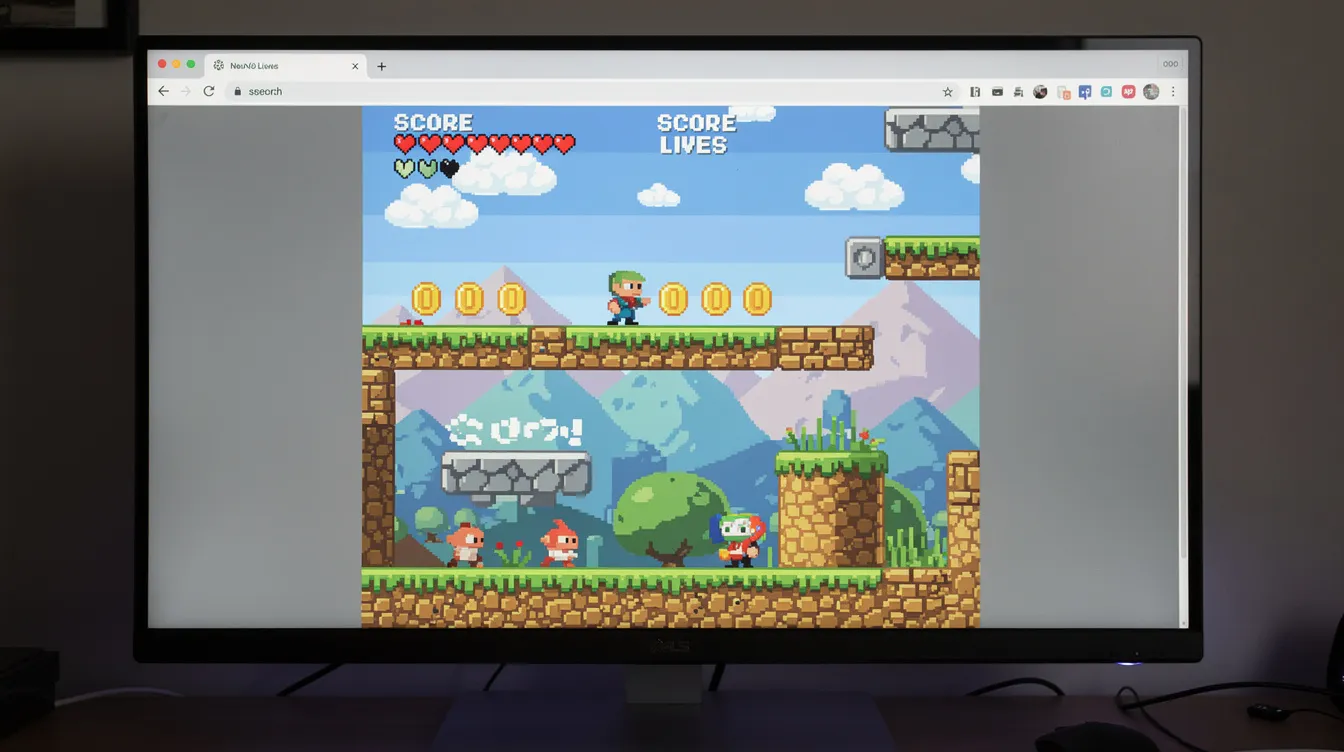
Prompt-to-game builders
Rosebud turns prompts into browser games. The Free plan starts with 8,000 credits and no card. Commercial rights and branding removal start on the 10x Dev plan, and code download plus Windows export for Steam start on Pro.
GDevelop is an open-source no-code engine with AI help built in. The free tier includes 40 AI credits a month and publishing to Android and desktop. Paid tiers add weekly AI credits, and iOS publishing starts at Gold.
These tools are best for testing ideas quickly, game jams and learning. See best AI game makers for more.
AI art and 3D asset tools
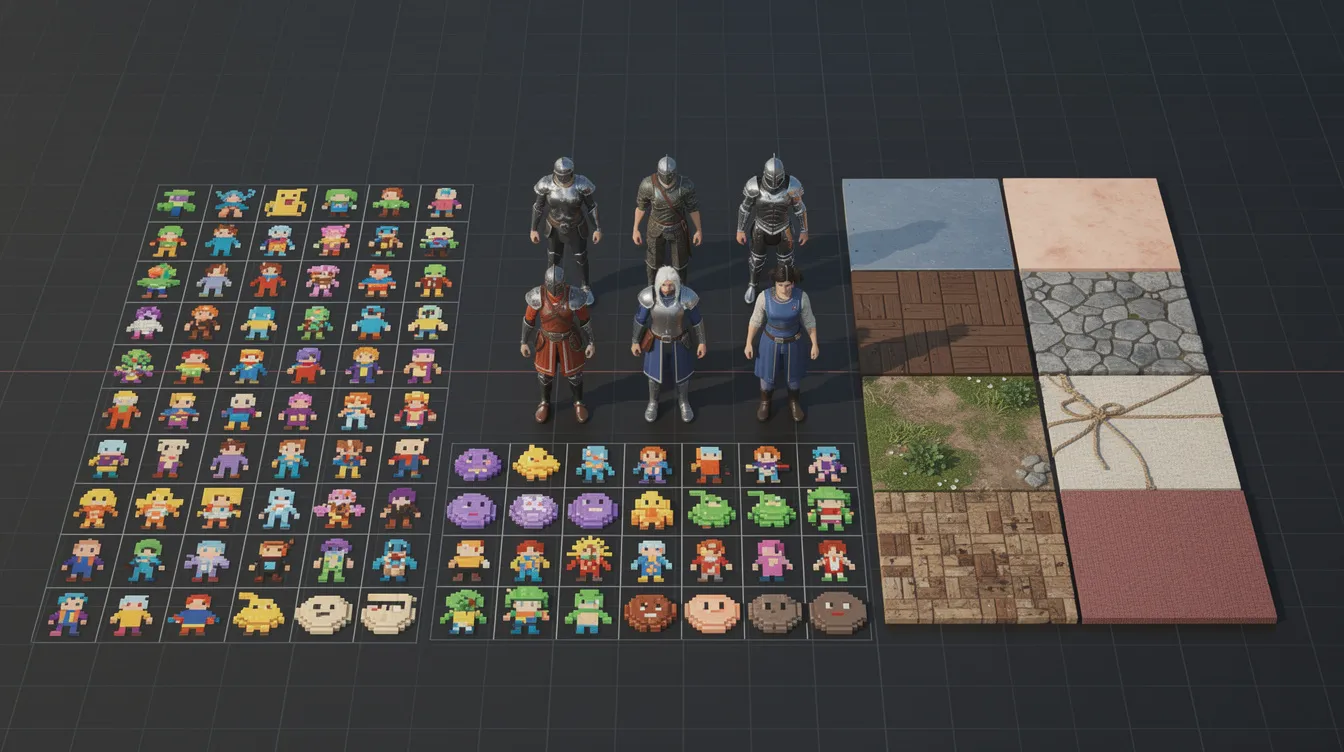
Meshy generates 3D models from text or images and exports to FBX, OBJ, GLB, USDZ, STL and BLEND. The Free plan gives 100 credits a month, and assets made on it are licensed under CC BY 4.0, which allows commercial use with attribution. Pro costs $20/month for 1,000 credits.
Tripo also generates 3D models. Its Free plan gives 200 credits a month, but models are public and for non-commercial use only. Pro costs $20/month billed annually and adds commercial use.
Ludo.ai focuses on game ideation, market research and asset generation, including sprites and animation. Indie costs $15/month and Pro $35/month, both billed annually.
AI models usually need cleanup before they are game-ready. Expect to fix topology, reduce polygon counts and adjust textures in Blender, which is free. Our AI game asset generator guide covers this workflow in detail.
Licensing and store rules
Two things catch indie developers out:
- Plan licensing. Free tiers often limit commercial use or require attribution. Check the terms of the plan you generated an asset on, not just the tool's current plan.
- Store disclosure. Steam asks developers to disclose AI-generated content that ships in the game, such as art, sound or text. AI used only to help write code does not need disclosure.
A simple AI game dev stack
- Engine: Godot (free) or Unity Personal.
- Code: GitHub Copilot Free to start, then Claude Code or Cursor as the project grows.
- Prototype art: Meshy or Tripo free tiers, then a paid plan once you need commercial rights.
- Cleanup: Blender.
- Version control: Git, committing after every working change.
Want a ready-made set of prompts? Read our guide to AI tools for indie game devs.
FAQ
What is the best AI tool for game development?
It depends on the task. For code, Claude Code, Cursor and GitHub Copilot are the strongest options. For 3D assets, Meshy and Tripo. For quick prototypes, Rosebud and GDevelop.
Can I make a game with AI for free?
Yes. Godot, Blender and GDevelop are free, and Copilot, Cursor, Meshy and Tripo all have free tiers. Expect usage limits and, for some asset tools, licensing restrictions on free plans.
Will AI replace game developers?
No. AI speeds up coding and asset creation, but design, game feel, balancing and testing still need people.
Do I have to disclose AI use on Steam?
Steam asks you to disclose AI-generated content that players see or hear in the game. Using AI to help write code does not need disclosure. Check Steam's current rules before you submit.
Written by Agentdex Editorial. Agentdex is an independent directory reviewing AI coding tools; we are not affiliated with the companies mentioned. Prices and features are as of October 24, 2026, from official sources linked above. Always confirm on the vendor's site.