 Agentdex
Blog · · Agentdex Editorial
Best AI Game Makers in 2026: Build a Game Without Coding
As of October 2026, you can describe a game in plain English and get a playable browser prototype in minutes, with no programming experience required. AI game makers like Rosebud, PlayDrop, Replit (Agentdex profile), GDevelop's AI agent, and SEELE AI turn text prompts into working games with generated code, art, and sound, and Unity Spark is on the way.
This guide breaks down which tools actually deliver, where they fall short, and how to pick the right one for your project.
Key Takeaways
As of October 2026, AI game makers such as Rosebud, Replit, PlayDrop, GDevelop with its AI agent, and SEELE AI let you create a playable game from text prompts without writing code. Unity Spark was announced on October 7, 2026, and is heading into a closed beta.
No programming experience is required for game creation. You describe your own game idea in plain language, and the system generates a working prototype (usually 2D, browser-based) that you can start playing within minutes, often for free to start.
Agentdex is an independent directory of AI tools for builders. This guide compares game makers using each tool's official site and documentation; check those pages before you commit, since features and pricing change often.
AI game makers allow rapid prototyping for indie developers, but there's a real trade-off: free tiers are fastest for start making and start playing, yet more limited when you need deep custom logic, polished performance, or a commercial release.
This article covers comparisons, a feature table, a step-by-step workflow, and an FAQ. To follow new tool launches, join the free Model Pulse newsletter at agentdex.app/newsletter.

What is an AI game maker in 2026, and what can it really do?
An AI game maker is a tool that uses large language models and generative AI to build code, assets, and game logic from natural language. Most run directly in your browser, with no install or setup. You describe your idea, the AI generates a prototype, and you iterate through chat-like prompts until you have something playable.
The typical flow
You write a description of what you want (genre, mechanics, camera angle, art style, controls) and the tool produces a working game. From there, you refine through conversation: "make the enemies faster," "add a score counter," "switch to pixel art." Each cycle takes seconds to minutes.
What's actually possible now
The technical floor has risen fast. Here's what the current generation handles:
2D HTML5 and Three.js browser games are the standard output. Some tools support lightweight 3D, voxel worlds, visual novels, RPGs, and platformers.
AI can generate a variety of game assets including characters, environments, and audio - sprites, skyboxes, 3D models, sound effects, and background music created alongside the code.
Physics and collision handling for simple games, without you needing to wire up the math.
Some tools can generate NPC dialogue alongside the game, opening up more interesting interactions even in small projects.
Procedural generation can create variations of game environments and quests, giving your prototype replayability without manual level design.
Big engine makers are moving in too: Google launched Playground, a prompt-to-game platform, on October 7, 2026, alongside a partnership with Unity.
AI speeds up prototyping and cuts repetitive work. But it's worth being honest about the boundaries.
What these tools are not (yet)
They don't replace full engines like Unreal, Godot, or Unity for complex productions. If you need frame-perfect physics, AAA-quality rendering, console-specific features, or robust online multiplayer, you're still going to need a traditional engine and technical skill. Debugging AI-written code and performance tuning - optimizing frame rates, managing memory on mobile - still require someone who understands what's happening under the hood. Think of these tools as the fastest path from idea to prototype, not as a replacement for the entire game development pipeline.
Which free AI game makers are actually worth trying first?
Choosing the right AI game maker depends on your project. Several provide fast prototyping and easy sharing with no coding required, but they're not interchangeable. Here are the tools worth your time in late 2026. Features, pricing, and limits change frequently, so confirm current details on each official site before committing.
Rosebud
A good pick if you want to create and play games in your browser with minimal friction. Rosebud generates code, art, sprites, sound, and NPC dialogue from prompts. The Free plan starts with 8,000 credits and no credit card. Paid plans (Indie Dev, 10x Dev, Pro, and Scale) add more credits and features: per Rosebud's pricing page, 10x Dev and higher include full commercial rights and no Rosebud branding, and Pro and higher add code download and Windows export. Check the pricing page for current prices. Best for: expressive indie prototypes, visual novels, and casual browser games.
Replit
Replit's AI Agent builds apps and games from natural language prompts. Where Replit stands apart is its full coding environment: you can write code alongside the AI, inspect everything it produces, and invite others to collaborate on the same project. Best for: AI coders who want a hands-on development environment with AI assist, not just a black-box generator.
PlayDrop
PlayDrop is a no-code AI game maker that focuses on the fastest path from prompt to shareable game. You describe the game, play it, and request changes in the same workspace, then publish it with a single link. It supports 2D and 3D browser games, including multiplayer. Per PlayDrop's plans page, the free Basic plan includes 50 daily credits, with Plus at $20/month and Pro at $100/month. Best for: quick experiments, game jam entries, and testing a concept before investing deeper.
GDevelop with AI assistant
GDevelop is a mature open-source, event-based engine that now ships with an AI agent and chat assistant. The AI agent is project-aware: it can inspect your scenes, objects, variables, and behaviors, then plan and execute changes. Export options cover web, Android, iOS, and desktop, including builds for stores like Steam. Best for: creators who want to learn real game development and eventually ship to app stores, with AI handling the tedious parts.
Unity Spark
Unity announced Unity Spark on October 7, 2026: a browser-based tool where you prompt a game, refine it in a web editor using artist-created Unity Asset Store content, and publish it. It's part of a partnership with Google, with integration into Google Playground planned for later in 2026. As of late October 2026, Spark is listed as coming soon, with a closed beta and a waitlist; pricing, export, and commercial terms haven't been detailed. Best for: creators who want to watch where engine-backed AI game creation is heading.
SEELE AI
SEELE AI generates playable 2D and 3D games from prompts, plus assets like 3D models, textures, and animations. Per SEELE's site, games run in the browser via Three.js and can export to Unity, with a native Unreal Engine 5 workflow for subscribers; 3D assets export as FBX, GLTF, and OBJ. Best for: asset-heavy 3D prototyping and teams that want to continue in a real engine.
How do the top AI game makers compare for building your own playable game?
Different AI game makers support different features, from text-to-game generation to visual editing. Exact pricing, credit quotas, and engine support can change between the time you read this and the time you sign up. Treat this table as a starting point, then verify current details on each tool's official site.
Tool | Type of Games | No-Code vs Low-Code | Typical Output | Where You Play / Export |
|---|---|---|---|---|
Rosebud | 2D, 3D, visual novels, RPGs, platformers, voxel worlds | No-code; code editing on paid plans | Full playable browser game (code + art + sound) | Browser; share via link; Windows export and commercial rights on higher tiers |
Replit | Multi-genre web games, 2D/3D | Low-code with AI assist; full code access | Playable browser game with editable codebase | Browser; collaborative workspace; web deployment |
PlayDrop | 2D and 3D browser games, solo or multiplayer | No-code prompt-based | Playable game shareable via single link | Browser; share link; test in same workspace |
GDevelop + AI | 2D / basic 3D, platformers, puzzle, RPG mechanics | No-code event system; JS API for low-code | Playable prototype + exported build | Web, Android, iOS, desktop |
Unity Spark | Prompted games with Asset Store content | No-code prompts + web editor | Playable, publishable games | Closed beta coming; Google Playground integration planned |
SEELE AI | 2D/3D games plus 3D models and animations | No-code prompts; engine export | Playable game and/or 3D assets | Browser (Three.js), Unity export, Unreal 5 for subscribers |
Asset-only tools (Ludo, Leonardo) | Character art, sprites, tilesets, music | Not full games; asset generation only | Individual assets (images, audio, sprites) | Export assets; integrate into any engine manually |
Patterns worth noting
Browser-native tools (Rosebud, PlayDrop, Replit) are fastest from idea to playable game. If you want a game instantly, these are your starting line.
Engine-centric tools (GDevelop, SEELE's Unity export, and eventually Unity Spark) are the better choice when you plan to publish to Steam, itch.io, or app stores - they give you a real project you can refine and export.
Some tools, like Replit, support real-time collaboration, which matters if you're building with a partner or in a classroom.
Asset tools like Leonardo fill a gap: they don't build complete gameplay, but they generate the images, sprites, animations, and sounds that make a game look and feel finished.
Where do AI game makers commonly struggle?
Common pain points reported across tools include:
Difficulty coaxing AI into non-trivial game rules - inventory systems, branching save/load, and interdependent mechanics often produced buggy or incomplete results.
Multiplayer beyond basic local lobbies was unreliable across most tools.
Mobile performance in auto-generated code was weak: frame drops, touch input quirks, and oversized assets on tablet and phone devices.
UI art and portrait assets sometimes lacked consistency across generations, breaking the visual coherence of a project.
How do you actually create your own AI-powered game step by step?
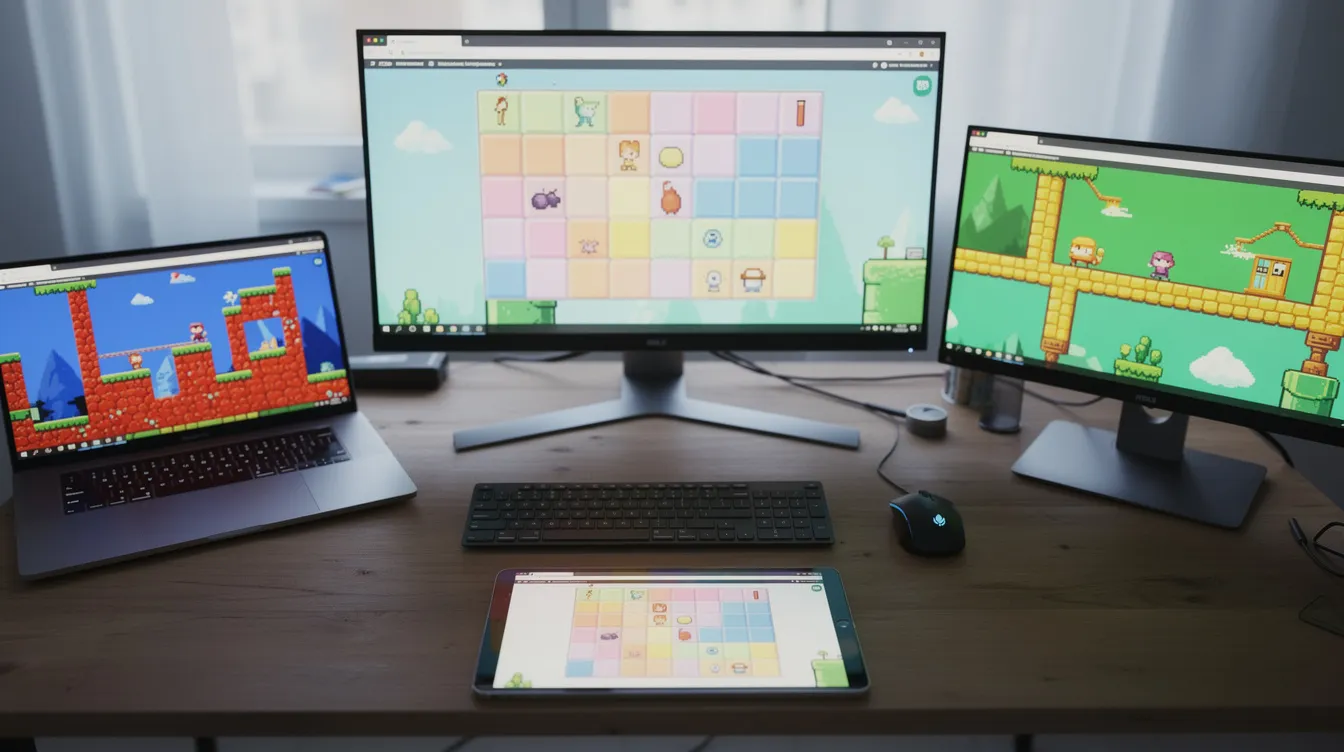
Here's a practical workflow that works across most AI game makers, whether you want a quick browser toy or a prototype you can polish later in an engine. The trick is knowing what to focus on at each stage.
Define your idea before you touch any tool. Nail down genre, win/lose conditions, session length, and target audience before you ever type into a free AI game maker prompt box. "5-minute puzzle for mobile players" is a different game from "30-minute PC roguelite," and the AI needs that context. Think about whether your game is portrait or landscape mode, and whether users will play on a phone, tablet, or desktop.
Craft a strong first prompt. Include camera perspective, controls, target platform (browser, desktop, mobile), and whether you want 2D or lightweight 3D. Specify your art style. Here's a concrete example:
"Create a 2D puzzle game where the player taps to match colored gems on a grid. Include a 60-second timer, three lives, and increasing difficulty every 30 seconds. Art style is pixel art, controls are touch-friendly, include background music and sound effects for matches."
The more specific your description, the better the AI generates your first build.
Evaluate the core loop, not the polish. When the tool produces your first playable game, resist the urge to scroll through every visual detail. Focus on whether the core gameplay is fun. Does the game loop feel right? Is the difficulty readable? Art iteration comes later.
Iterate in short cycles. Play the game, write down three concrete changes (difficulty curve, movement feel, UI clarity), then feed them back as a prompt. Some platforms let you tweak the generated code directly if you're comfortable editing JavaScript or event logic. Spend a cycle on menus and HUD clarity before you share.
Publish and share. Typical flows: share a browser link, embed in a web page, or export a project into an engine for deeper work. Before you publish for profit or release on Steam or mobile stores, read the license terms: free tiers often restrict commercial use, and stores may ask you to disclose AI-generated content. If you want your audience to start playing straight away, browser links are the fastest path.
When should you go beyond a pure free AI game maker and use engines or AI coding tools?
AI game makers are perfect for starting, but you'll hit ceilings once you care about performance, custom systems, or shipping a commercial title. Knowing when to switch gears saves you from fighting the wrong tool.
Signs you've outgrown a no-code AI game tool
You need save systems, complex progression, or branching narrative state machines.
You want online multiplayer with authoritative servers, not just local lobbies.
You need platform-specific features: achievements, in-app purchases, console certification, or advanced shaders and physics.
Your game's frame rate drops under load, or the generated code doesn't scale to the number of characters, environments, or animations you want.
You need copyright protection for your work: the US Copyright Office requires sufficient human authorship, and purely AI-generated output may not qualify.
The hybrid path
Use an AI game maker to rough out your idea, then move the concept, and whatever code and assets you can export, into a proper engine like Unity, Godot, or GDevelop for deeper control. This is where open-source developer tools and AI coding agents become valuable: they help you refactor, debug, build level editors, and optimize performance inside real engines, which makes the move from prototype to production less painful than starting from scratch.
At Agentdex, our focus is AI coding agents and tools that help at this stage. If you see yourself as a long-term indie or AI coder, treat AI game makers as rapid prototyping tools and AI coding agents as the bridge to a real release. Our best AI coding assistants roundup and AI tools for indie game devs guide cover that next step.
The hardest part is no longer learning to code. It's deciding what to build first.
FAQ: AI game makers, ownership, and what to try next
Do I really own the game and assets I build with an AI game maker?
It depends on each platform's terms of service and license. Rosebud, for example, includes full commercial rights on its 10x Dev plan and higher, per its pricing page, while free accounts are more limited. US copyright registration requires human authorship, so content generated solely by AI may not qualify. Store policies vary too: Steam asks developers to disclose AI-generated content. Before selling or licensing your game, check the official terms of the tool you used and of the platform where you plan to publish.
Can I learn real game development using only a free AI game maker?
These tools are excellent for understanding game structure, loops, and design concepts. The prompt, build, test, iterate cycle teaches logic and systems thinking. But if you want to grow as a developer, gradually inspect and modify the underlying code, then move into engines like Unity, GDevelop, or Godot where you control every line. Using AI as a crutch without ever reading what it writes will leave gaps in your skills.
Can I export my AI-made game to mobile or console?
As of October 2026, most browser-first AI game makers don't offer one-click export to consoles. Mobile builds usually mean taking your code into a traditional engine or using a wrapper like Capacitor or Cordova. GDevelop is a notable exception, with direct export to Android and iOS alongside web and desktop, and SEELE AI can export Unity projects. Unity Spark's export details haven't been announced. If mobile or console is your target, plan around an engine-backed tool from the start.
How do I pick which AI game maker to use for my project?
Start by defining your goal. If you want to test an idea in five minutes and share a link with friends, PlayDrop or Rosebud gets you there fastest. If you want to learn development skills and eventually ship to Steam, GDevelop is the stronger foundation. If you need 3D assets and models for a Unity or Unreal project, SEELE AI fills that role. No single tool wins every scenario; the right choice tracks your ambition, your timeline, and whether you plan to write code eventually.
Where can I compare AI game and coding tools?
Browse the Agentdex tool directory for profiles of AI coding agents, and grab our Indie Game Dev AI pack for prompts and workflows. To follow new tool launches, join the free Model Pulse newsletter at agentdex.app/newsletter.
Written by Agentdex Editorial. Agentdex is an independent directory reviewing AI coding tools; we are not affiliated with the companies mentioned. Prices and features are as of October 23, 2026, from official sources linked above. Always confirm on the vendor's site.