 Agentdex
Blog · · Agentdex Editorial
AI Game Asset Generator Guide (2026): 3D Models, Sprites and Licences
An AI game asset generator creates sprites, textures, 3D models and other art from a text prompt or a reference image. For solo developers and small teams, that can turn days of modelling into minutes of iteration. The output is rarely ready to drop straight into a game, though, and the licence attached to each plan matters as much as the quality. This guide covers the main tools as of October 24, 2026, what they cost, and how to get assets from prompt to game engine.
Key Takeaways
- For 3D models, Meshy and Tripo are the most direct options. Both have free tiers and Pro plans at about $20 a month.
- Free-tier licences differ a lot. Meshy's free assets are CC BY 4.0 (commercial use with attribution). Tripo's free models are public and non-commercial only.
- For 2D sprites and animation, Ludo.ai and general image generators such as Leonardo work, but expect manual cleanup in a pixel editor.
- Plan time for cleanup. AI meshes often need retopology, lower polygon counts and texture fixes in Blender before they run well in a game.
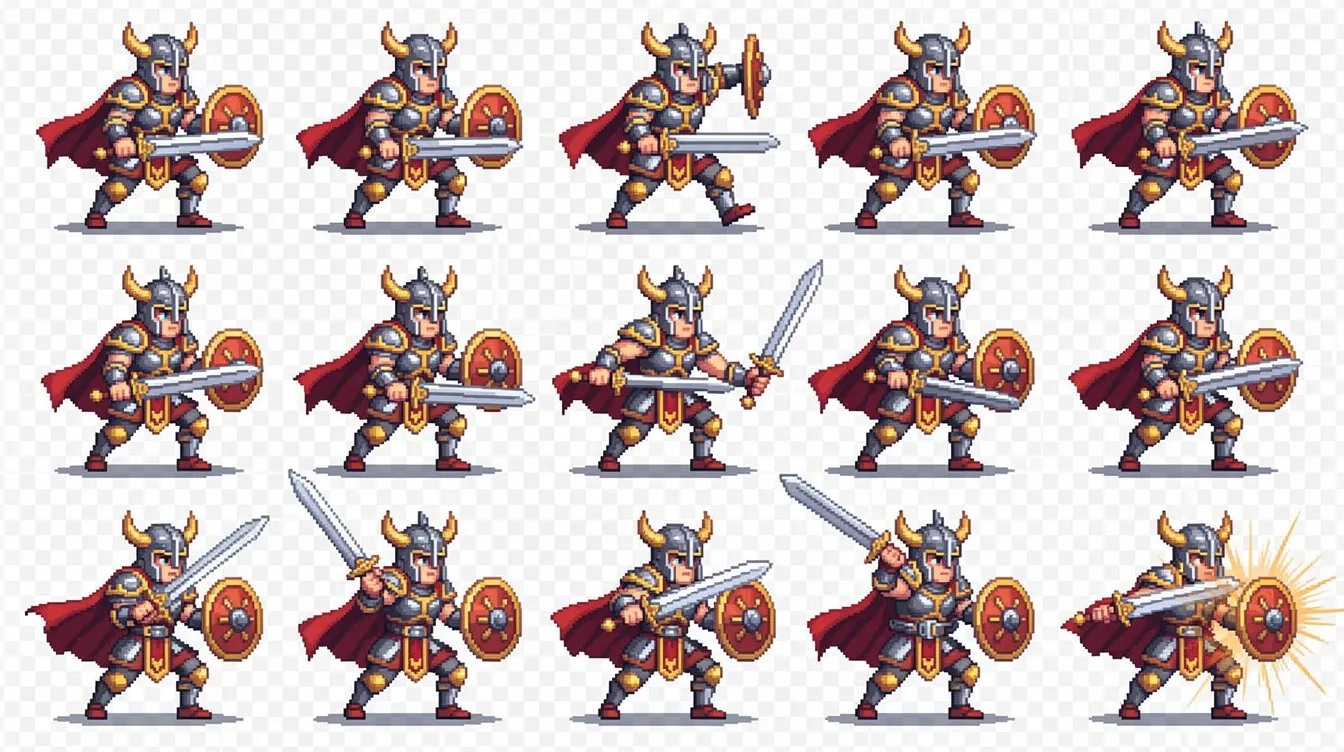
AI game asset generators compared
Tool | Asset types | Free tier | Paid from (Oct 2026) | Free-tier licence |
|---|---|---|---|---|
Meshy | 3D models, textures | 100 credits/month | Pro $20/month (1,000 credits) | CC BY 4.0, commercial use with attribution |
Tripo | 3D models | 200 credits/month | Pro $20/month billed annually (3,000 credits) | Public models, non-commercial only |
Ludo.ai | Game ideas, images, sprites, animation | Check site | Indie $15/month billed annually | Check plan terms |
3D assets and game generation | Check site | Check site | Check plan terms |
3D model generators
Meshy
Meshy generates 3D models from text or images and can texture existing models. It exports to FBX, OBJ, GLB, USDZ, STL and BLEND, which covers Unity, Unreal, Godot and Blender. Meshy also offers plugins and a bridge to tools such as Blender, Unity, Unreal and Godot, so you can send assets straight into your project.
The Free plan gives 100 credits a month, and assets made on it fall under CC BY 4.0, which means you can use them commercially if you credit Meshy. Pro costs $20/month for 1,000 credits, with higher tiers for teams. If you would rather not add attribution, generate final assets on a paid plan.
Tripo
Tripo also turns text and images into 3D models. The Free plan includes 200 credits a month, but those models are public and licensed for non-commercial use only. Pro costs $20/month billed annually, includes 3,000 credits and adds commercial use. Max ($90/month billed annually) and Team plans add more credits and seats.
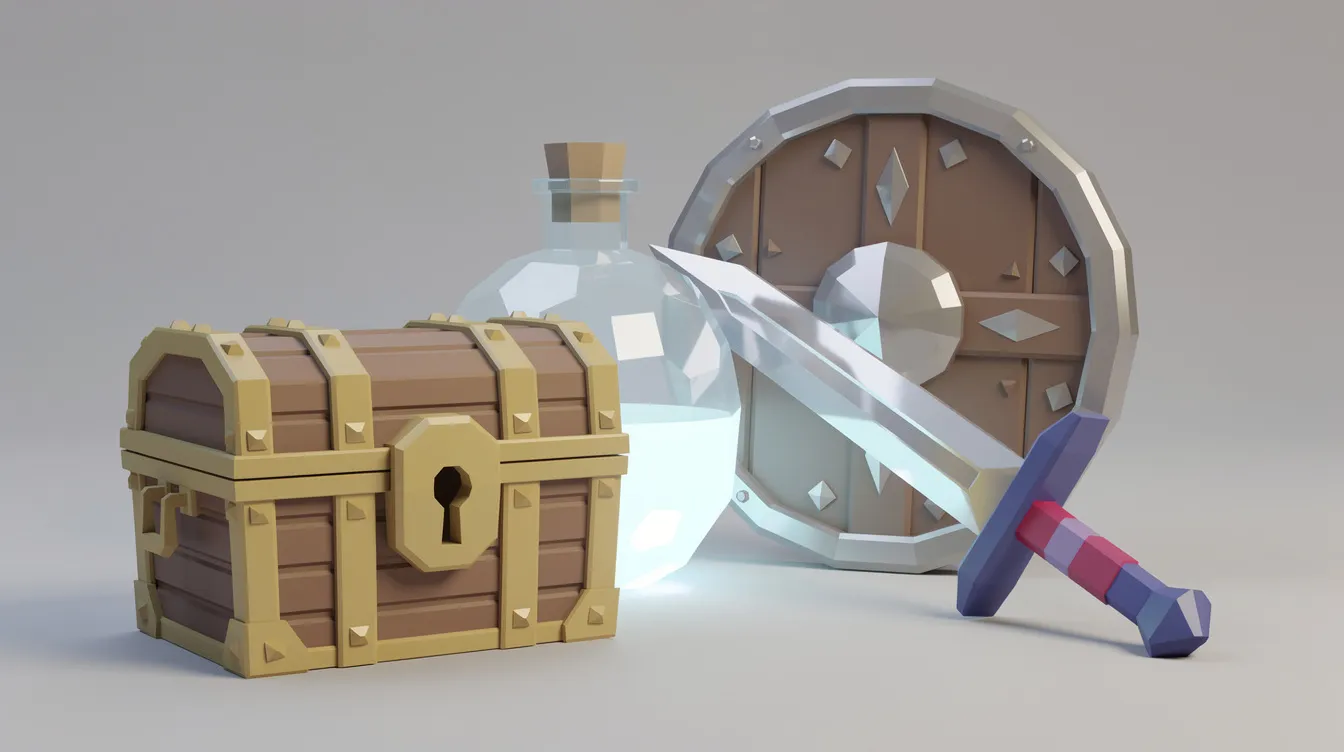
Both are good for props, characters and environment pieces. See our AI 3D model generator guide for more options.
2D sprites, textures and concept art
Ludo.ai is built for game developers. It combines game ideation and market research with image, sprite and animation generation. Indie costs $15/month and Pro $35/month, both billed annually.
Leonardo and other general image generators are useful for concept art, backgrounds, item icons and textures. They are less reliable for consistent characters across many frames, so plan to fix sprite sheets by hand.
For pixel art, generate a base image, then clean it up in a pixel editor such as Aseprite. AI pixel art often has stray pixels, inconsistent outlines and palettes that drift between frames.
From prompt to game engine: a practical workflow
- Set a style guide first. Pick a palette, perspective and level of detail. Reuse the same wording in every prompt so assets look like they belong to one game.
- Generate several options. Treat the first result as a draft. Generate variations and keep the best.
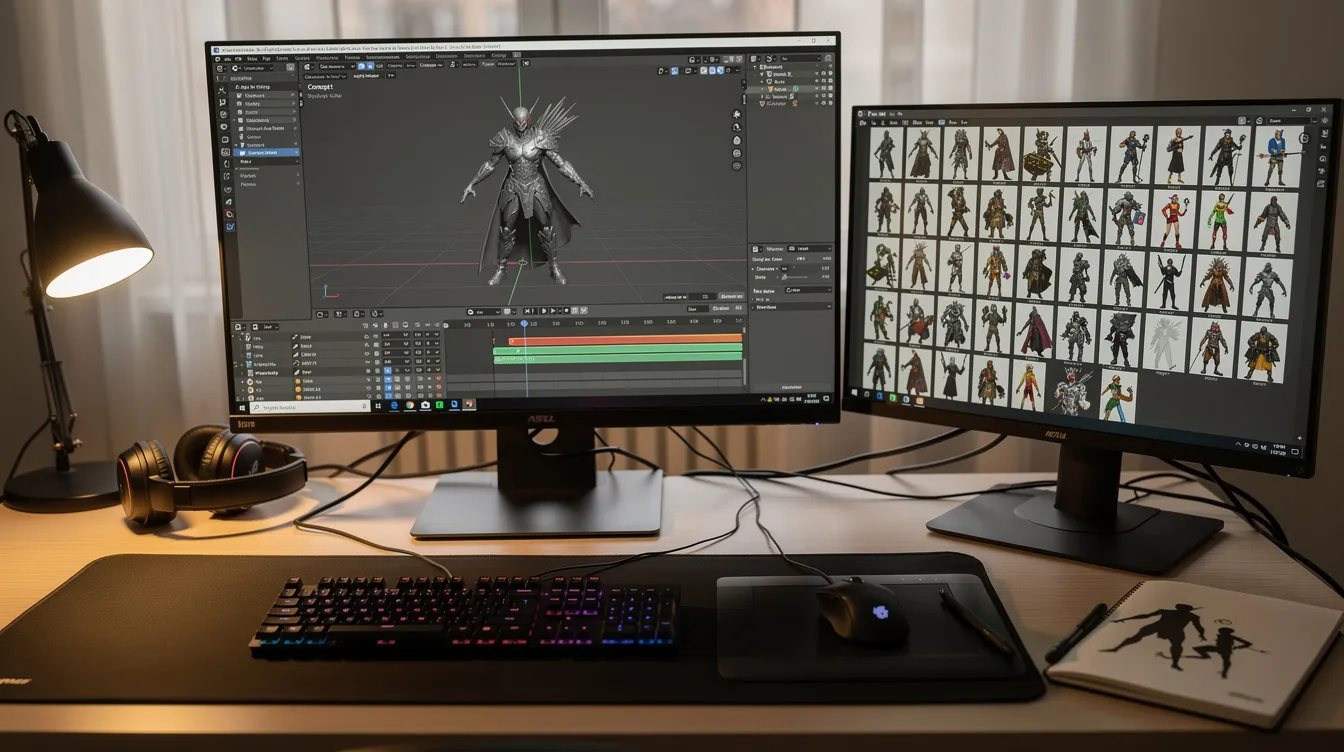
- Clean up in Blender. For 3D, check scale, fix the mesh, reduce polygons for real-time use and check UVs and textures. Blender is free.
- Rig and animate. Some tools offer auto-rigging, but check joints and weights before you rely on them.
- Export in the right format. FBX and GLB work well for Unity, Unreal and Godot. Test the asset in the engine early.
- Track licences. Keep a simple list of which tool and which plan produced each asset. Upgrading later does not necessarily change the terms of assets you already made.
Licensing, copyright and store rules
Three points are worth knowing before you ship:
- Plan terms. Free tiers often restrict commercial use or require attribution. Read the terms for the plan you used, not just the tool's marketing page.
- Copyright. In the US, the Copyright Office's position is that material generated purely by AI, without enough human creative input, is not protected by copyright. Your edits and arrangement can be. If ownership matters to your project, keep records of your own changes and get legal advice.
- Store disclosure. Steam asks developers to disclose AI-generated content that ships in the game, including art and sound. Other stores have their own rules.
Trade-offs to keep in mind
- Speed vs consistency. AI is fast at single assets and weaker at a consistent style across hundreds of them.
- Cost vs credits. Retries and variations use credits quickly. Clear prompts and reference images save money.
- Output vs game-ready. Generated meshes can be heavy or messy. Budget cleanup time for every hero asset.
For the rest of your toolkit, read our guides to AI game development tools and 3D game makers.
FAQ
What is the best AI game asset generator?
For 3D, Meshy and Tripo are the strongest options, with Meshy's wide export support and Tripo's larger Pro credit allowance. For 2D game art and ideation, Ludo.ai is built specifically for games.
Can I use AI-generated assets in a commercial game?
Often yes, but it depends on the plan. Meshy's free assets need attribution, Tripo's free models are non-commercial, and paid plans on both allow commercial use. Check store disclosure rules too.
Are AI game assets free?
Meshy and Tripo both have free monthly credits. Free tiers come with licence limits, so most developers move to a paid plan for final assets.
Do AI 3D models work in Unity, Unreal and Godot?
Yes. Export in FBX or GLB, then check scale, polygon count and materials in the engine. Most models need some cleanup first.
Written by Agentdex Editorial. Agentdex is an independent directory reviewing AI coding tools; we are not affiliated with the companies mentioned. Prices and features are as of October 24, 2026, from official sources linked above. Always confirm on the vendor's site.