 Agentdex
Blog · · Agentdex Editorial
AI 3D Model Generators (2026): Text and Image to 3D, Formats, Printing and Licensing
Turning a single photo or a text description into a usable 3D model used to mean hours of manual work in Blender or Maya. In 2026, an AI 3D model generator can get you a textured first draft in seconds to minutes. That's a real shift for indie game devs, product teams and 3D printing hobbyists, but the output still needs checking: topology, scale and licensing are where projects go wrong.
This guide breaks down how AI 3D generation works, which features matter, where the output falls short, and how to create your first models without prior experience.
Key Takeaways
Modern AI 3D model generators can turn one image or a short text prompt into a textured, exportable 3D model, useful for game prototypes, product visualization and some 3D printing.
Most tools support both text-to-3D and image-to-3D workflows, letting you upload reference images, sketches, or a product photo for fast, accurate generated models.
Export in industry standard formats like GLB, FBX, OBJ, STL, and 3MF makes AI 3D assets usable in Blender, Unity, Unreal Engine, Godot, WebGL, and common 3D printing slicers.
Output quality varies by tool and object type. Expect to do some cleanup, remeshing or repair, especially for 3D printing and functional parts.
Licensing differs between free and paid plans. For example, as of October 2026 Meshy licenses free-plan outputs under CC BY 4.0 (attribution required), and Tripo's free plan is non-commercial. Check terms before you ship.
What Is an AI 3D Model Generator?
An AI 3D model generator is a tool that turns text prompts or 2D reference images into a textured 3D model automatically, instead of requiring you to hand-model every vertex. AI-based 3D model generators create digital assets from text descriptions or images, making 3D creation accessible to people with zero modeling background. No prior experience is needed to create 3D models.
Under the hood, these systems are trained on large datasets of 3D models and images and learn to infer volume, surface detail and materials from minimal input. The model interprets your text or image, predicts a 3D shape, and outputs it as a polygon mesh (sometimes via an intermediate representation such as a point cloud or volume).
Typical inputs include:
One image, multi-view photos, sketches, or product renders
A natural language description of a single object (e.g., "a medieval sword with ornate hilt")
Combinations of a reference image plus text refinements
Typical outputs include:
A 3D mesh with UVs and PBR texture maps (base color, roughness, normal, metallic)
Exportable files ready for game engines or 3D printing
Sometimes volumetric representations that need conversion before use
How AI 3D Model Generators Work (Text to 3D & Image to 3D)
There are two main workflows: text to 3D and image to 3D. Most current platforms support both, and some let you combine them.
Text to 3D: You type a prompt like "low-poly red delivery drone with four rotors" and the AI predicts geometry and textures that match the description. Many approaches use diffusion models, sometimes guided by pretrained 2D image models, to shape the result. Some tools can also generate PBR materials from a text prompt.
Image to 3D: You upload one image or a small set - say, front and side views of a sneaker - and the platform reconstructs a 3D mesh that matches the reference images. Adobe's Text to 3D research demonstrates how sparse sets of images can produce photorealistic 3D representations with reconstructed UVs and materials.
Hybrid workflows let you give a product photo plus extra text like "make this in matte black with copper trim." These combinations help constrain the generative ambiguity and push the AI model closer to what you actually need.
The pipeline usually follows the same steps: interpret the input, predict a shape, generate textures and output a mesh. Quality depends heavily on prompt clarity, image resolution, lighting, a simple background, and whether the image shows a single, well-isolated subject.
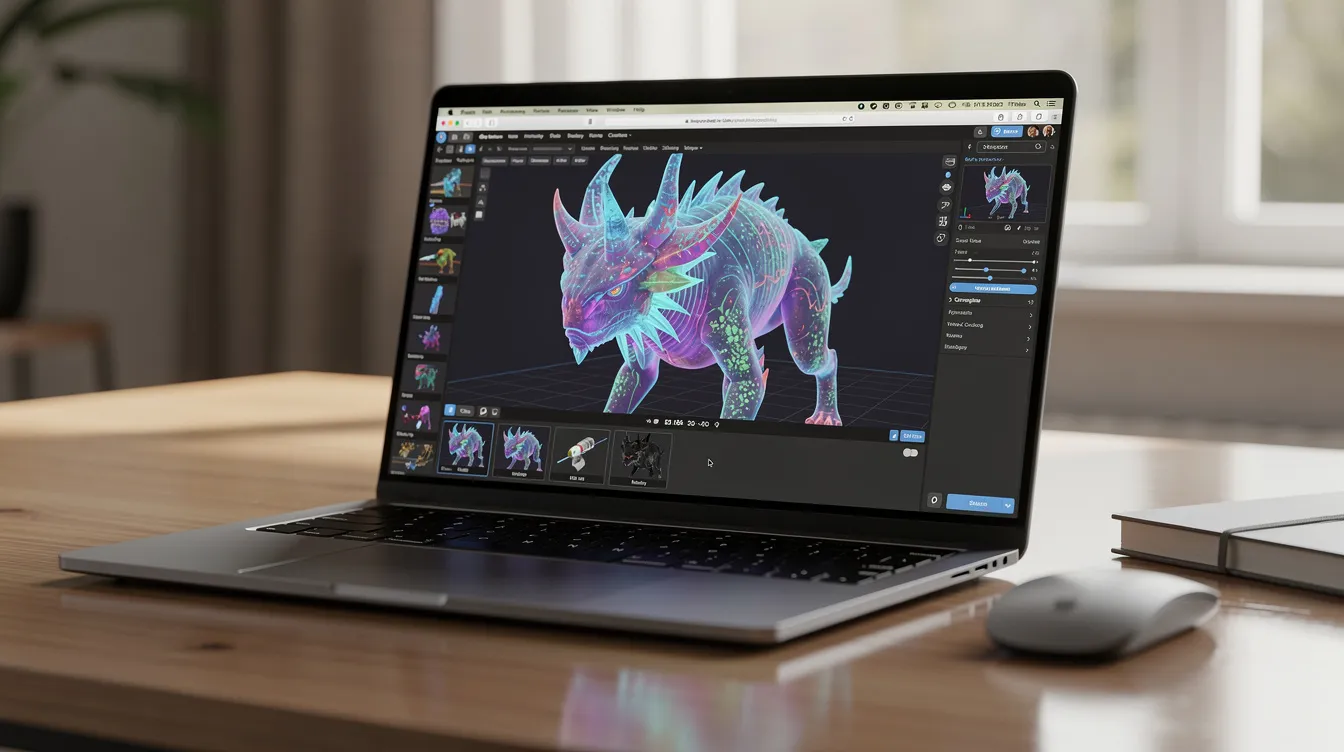
Core Features to Look For in an AI 3D Model Generator
Think of this as a buyer's checklist - what capabilities actually matter when you choose a platform for real projects in 2026.
Feature | Why It Matters |
|---|---|
Text-to-3D + image-to-3D modes | Covers both concept art exploration and reference-based reconstruction |
PBR textures and materials | Base color, metallic-roughness, normal maps ensure physically based rendering in any engine |
Editing controls | Partial re-generation, region editing, prompt refinements, scale, pose, mirror |
Technical helpers | Automatic UV unwrapping, quad remeshing, polygon reduction, LOD generation, clean topology |
Export formats | GLB/GLTF, FBX, OBJ, STL, 3MF, USDZ - plus direct integrations with Blender, Unity, Unreal |
API access | Lets developers automate generation in their own pipelines |
Free credits or trial tiers | Test before committing; check each tool's pricing page for estimated cost |
Textures generated with the model affect color, roughness and material response. Some tools can also re-texture an existing model you upload, which is handy when the shape is right but the surface isn't.
On the integration side, plugins matter. As of October 2026, Meshy offers Blender and Unity plugins and lists a DCC bridge on paid plans; Tripo lists a DCC bridge covering tools such as Blender, Unity, Unreal, Maya, Godot and ZBrush on its paid plans; and Hyper3D Rodin offers an API plus integrations with Blender, Unity and Unreal. When evaluating any tool, check whether it fits your existing workflow rather than forcing you to rebuild it.
If a platform doesn't offer plans with clear commercial rights and a way to buy more credits as you scale, move on.
From One Image to a High-Fidelity 3D Model
A key promise of AI 3D tools is going from one image to a usable 3D model, even when only a single view is available. In many cases it delivers a solid starting point.
The typical workflow:
Upload a clear, well-lit reference image with a simple background
Optionally crop so the main object fills most of the frame
Let the AI generate the 3D mesh and texture in one pass
Best reference images show front-facing objects with minimal occlusion, no heavy motion blur, and visible edges for shape inference. A clean product photo of a shoe or chair works far better than a cluttered scene with multiple objects.
The AI infers missing sides based on training data. This works well for common categories - shoes, chairs, toys, characters, props - but can be unreliable for unusual shapes or mechanical detail.
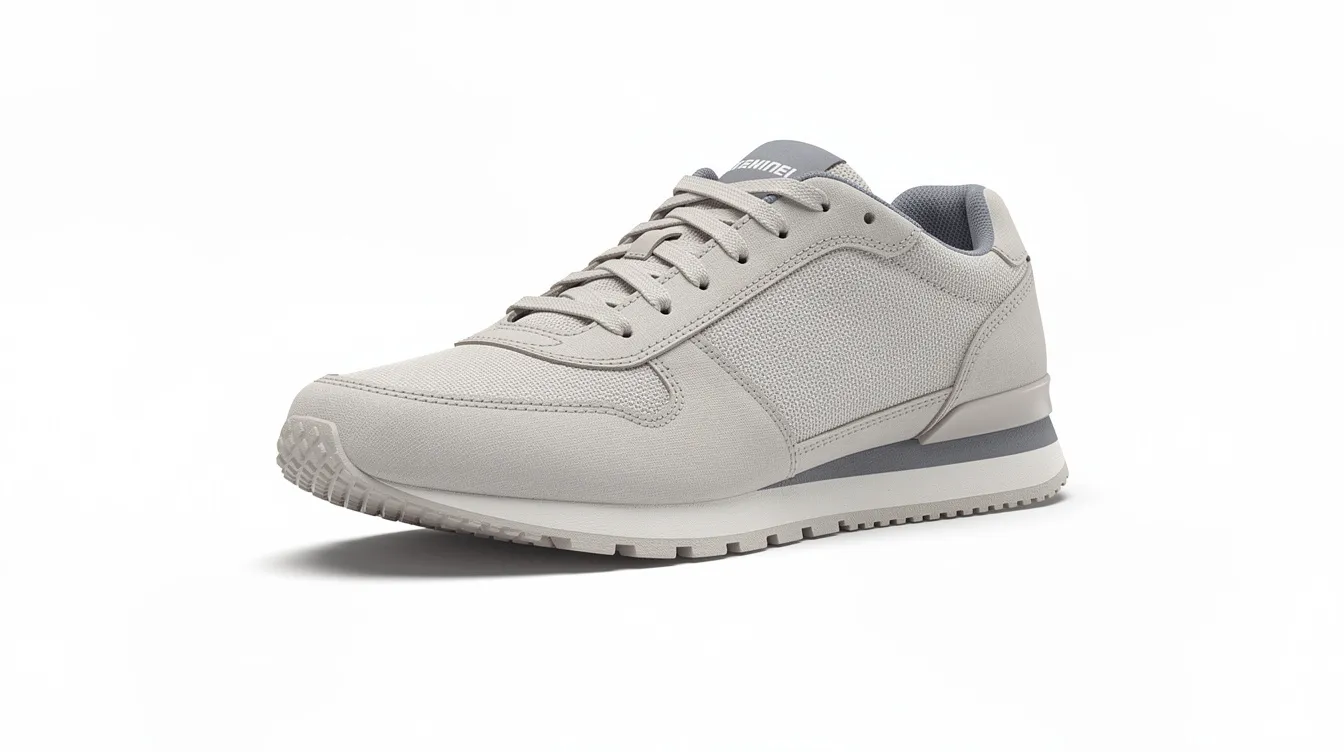
Speed varies by platform and settings. Vendors typically quote seconds to a few minutes per model. For example, Hyper3D lists generation times from about 4 seconds at its lowest effort setting to about 80 seconds at its highest, and Meshy says paid plans generate faster than its free tier. Texturing, higher detail and busy queues all add time.
Many tools let you generate several variations from the same image, or refine with extra prompts like "more stylized" or "add scratches." Multi-view input from additional angles usually improves geometry, but single-image generation gets you started faster.
Export Formats, Pipelines, and 3D Printing
Generated models are only useful if they slot cleanly into your existing pipeline. Here's where formats matter.
Common export formats and use cases:
GLB/GLTF: Web, real-time engines, AR viewers
FBX: Unity, Unreal Engine, most game pipelines
OBJ/MTL: DCC tools like Blender, Maya for static models
STL/3MF: 3D printing; 3MF supports textures, multi-material, and color data
USDZ: AR and Apple ecosystem previews
BLEND: Native Blender files, offered by some tools
Support varies by tool. As of October 2026, Meshy lists FBX, OBJ, USDZ, GLB, STL and BLEND downloads for text-to-3D and image-to-3D, and Hyper3D lists STL, FBX, OBJ, GLB, GLTF and USDZ. Check each tool's export list against what your engine or slicer needs before you commit.
3D printing specifics: Models must be watertight (manifold), correctly scaled, with enough wall thickness and no self-intersecting faces. Few AI outputs meet all of that without a check.
For multi-color prints, export a format your slicer handles well (3MF keeps color and material data) and check the result in a slicer like Bambu Studio or OrcaSlicer. For repairs, you might still need Blender's mesh cleanup tools or a dedicated repair utility to fix holes and add supports.
The distinction matters: game pipelines care about texture resolution, poly count, and LODs. Physical fabrication cares about geometry integrity and dimensional accuracy.
Using AI 3D Models in Games, Apps, and Product Visualization
AI 3D generators are already widely used for rapid prototyping in games, apps and e-commerce product visualization.
In Unity's 2026 Game Development Report, 35% of the 300 developers surveyed said they use AI tools for concept art and game assets. On Steam, about 1 in 5 games released in 2025 (as of July) disclosed using generative AI, according to research reported by Tom's Hardware, with visual assets the most common use.
Concrete scenarios:
Indie game studio generates a batch of sci-fi props from text descriptions, imports them into Unity and has a level blockout far sooner than modeling every crate by hand
E-commerce team converts packshots into 3D views for web store configurators and AR previews
Concept blockouts where developers use rough generated 3D assets to test scale, camera angles, and interaction ideas before committing to full production
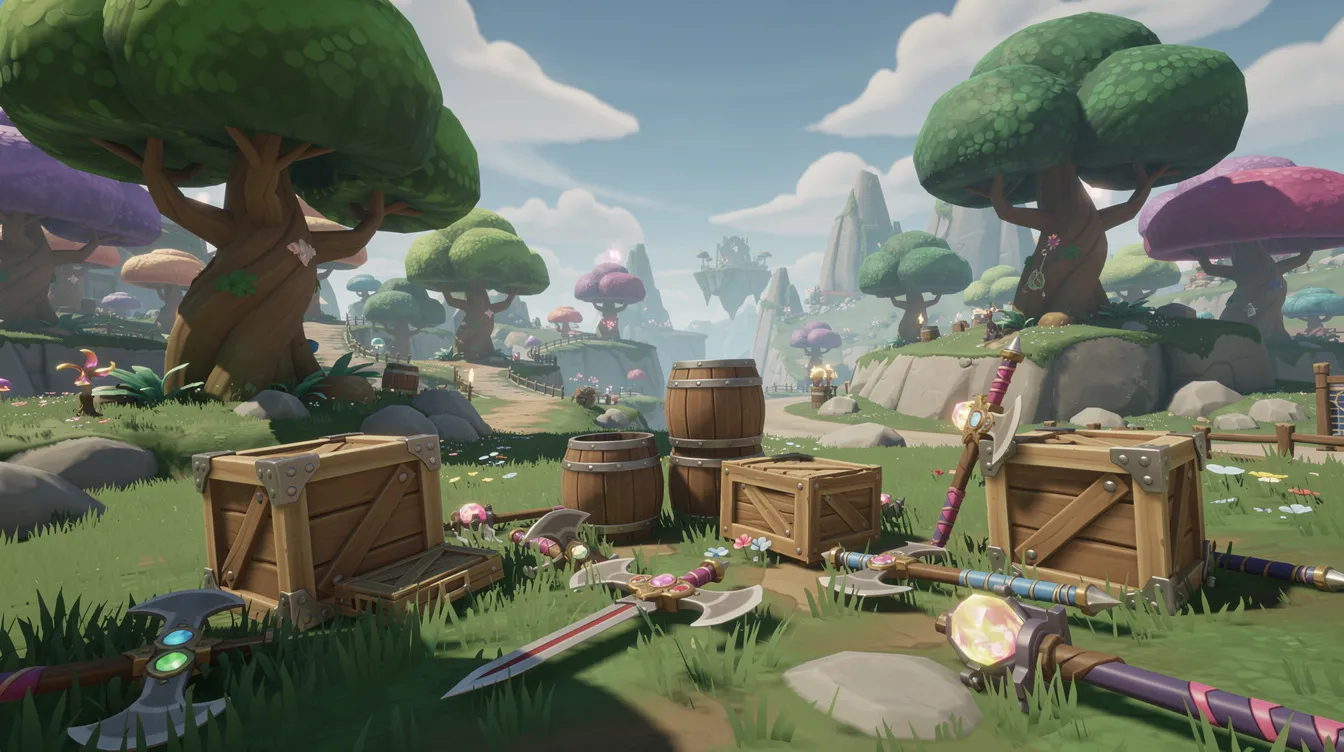
Good PBR materials matter here. Correct roughness and metallic response makes AI generated models look consistent with hand-made assets in existing scenes, whether you're building a video game or a product configurator.
Licensing, Ownership, and Commercial Projects
This is critical but often overlooked: what are you actually allowed to do with generated models in commercial projects?
Platforms differ significantly. Some allow full commercial use of all AI generated models on paid plans. Others apply extra conditions, restrict resale, or require attribution. Always check the Terms of Service for:
Commercial rights for games, ads, and client work
Whether outputs can be re-sold as stock 3D models
How your inputs and outputs are handled, and whether free and paid plans grant different rights (they often do)
Attribution requirements
Common commercial uses include shipping AI 3D assets in Steam releases, mobile games, architectural visualizations, marketing renders, and AR product viewers. But using licensed textures, logos, or branded reference images can create extra IP issues. Avoid trademarked material unless you have explicit rights.
Agentdex does not provide legal advice. Read each platform's terms and get professional counsel for high-stakes commercial projects.
Limitations, Gotchas, and When Hand Modeling Still Wins
AI 3D is powerful but not magic. AI-generated 3D models often require manual cleanup or optimization post-creation, and you should plan for that in your timeline.
Geometric issues:
Messy topology: random triangulation, non-manifold edges, hidden internal faces
Overly dense meshes that hurt runtime performance in game engines
Mesh quality that looks fine in a preview but breaks in Unreal Engine or during 3D printing
Visual limitations:
Textures that look great in neutral studio lighting but fall apart under dynamic lighting
UV seams in visible locations, low-resolution normal maps
Inconsistent PBR materials across different viewing angles
Category bias: AI 3D generators do best on common shapes like characters, furniture and props, and struggle with mechanical parts, strict tolerances or obscure industrial hardware. The market data backs this up. CGTrader's 2026 report, covered by 3DPrinting.com, found AI-generated models made up 17.6% of uploads on its marketplace but earned only 1.1% of revenue, and only about 4% of 3D print buyers surveyed said AI-generated models work well.
AI 3D generators can automate the initial creation process but may not replace traditional modeling for engineering parts, injection molding, medical devices, or anything requiring precise dimensions. The smart play is a hybrid workflow: use AI for ideation and first passes, then rely on traditional modeling to finalize hero assets and technically critical geometry. Sometimes you need to edit and refine in Blender, explore different angles in your scene, and invest in the detail that only a human artist delivers.
How to Choose the Right AI 3D Model Generator for You
Different users need different things. Here's how to approach the decision:
For hobbyists: Look for free credits, a simple web interface and quick image-to-3D conversion. Start with whatever lets you generate without friction, and note the free plan's license terms.
For indie game devs: Prioritize clean topology, PBR textures, FBX/GLB export, and integration with your engine. Test whether the platform handles your object categories well - a tool that nails fantasy weapons might fumble realistic vehicles.
For agencies and product teams: Evaluate API access for automation, batch generation, commercial licensing on paid plans, and how the platform handles technical issues at scale.
For all users: Try free tiers first. Run the same prompts or reference images across two or three tools and compare consistency, speed and fidelity. A sketch of a retro wooden chair or a photo of a metallic wristwatch will quickly reveal what each tool does well and where it falls short.
Match the tool to your pipeline rather than chasing whatever is trending on social media. For more AI tools aimed at game projects, see our guides to AI game makers and AI tools for indie game devs.
Getting Started: A Simple AI 3D Workflow for 2026
Here's a step-by-step plan to produce and use your first AI 3D model in under an hour.
Step 1: Define your use case. Are you making a low-poly fantasy sword for a Unity game, or a 3D printable phone stand? Pick a generator that exports the formats you need, and check its pricing page for the plan and license that fit.
Step 2: Prepare your input. Either write a clear text prompt describing material, style, scale, and level of detail, or prepare a clean reference image with the object centered and background removed. A simple text prompt like "weathered stone column, game-ready, low-poly" works better than vague descriptions. You can also upload a sketch to transform a rough idea into a real asset.
Step 3: Generate and compare. Create several candidates. Inspect meshes and texture maps. Pick the best one, then refine with additional prompts or light edits.
Step 4: Export and test. Drop the model into your scene or slicer in the correct format. For game engines, check texture mapping and poly count under real lighting. For 3D printing, verify scale and run a mesh analysis.
Keep a personal library of your best generated models, reference images and successful prompts. It becomes a reusable asset base and saves hours down the line.
Grab the free Vibe Coder Starter Kit from Agentdex to explore more tools and workflows for indie developers.
FAQ
Can I really use AI‑generated 3D models in commercial projects?
Often, yes, but the plan matters. As of October 2026, Meshy says paid-plan users own their assets, while free-plan outputs are licensed under CC BY 4.0 (commercial use with attribution). Tripo's free plan is non-commercial, with commercial use on paid plans. Terms differ across providers and change, so check each tool's license before shipping assets in a commercial release, and keep a record of which tool, plan and prompt you used for each asset.
How accurate are image‑to‑3D results from a single reference image?
For common objects like shoes, bottles, chairs, and toys, one clean image can yield surprisingly accurate generated models in silhouette and overall proportions. Hidden sides are always partially guessed, so mechanical details, ports, or exact measurements will rarely match real-world counterparts perfectly. For anything that needs physical precision, use multiple reference images or refine manually in Blender.
Are AI 3D models ready for 3D printing out of the box?
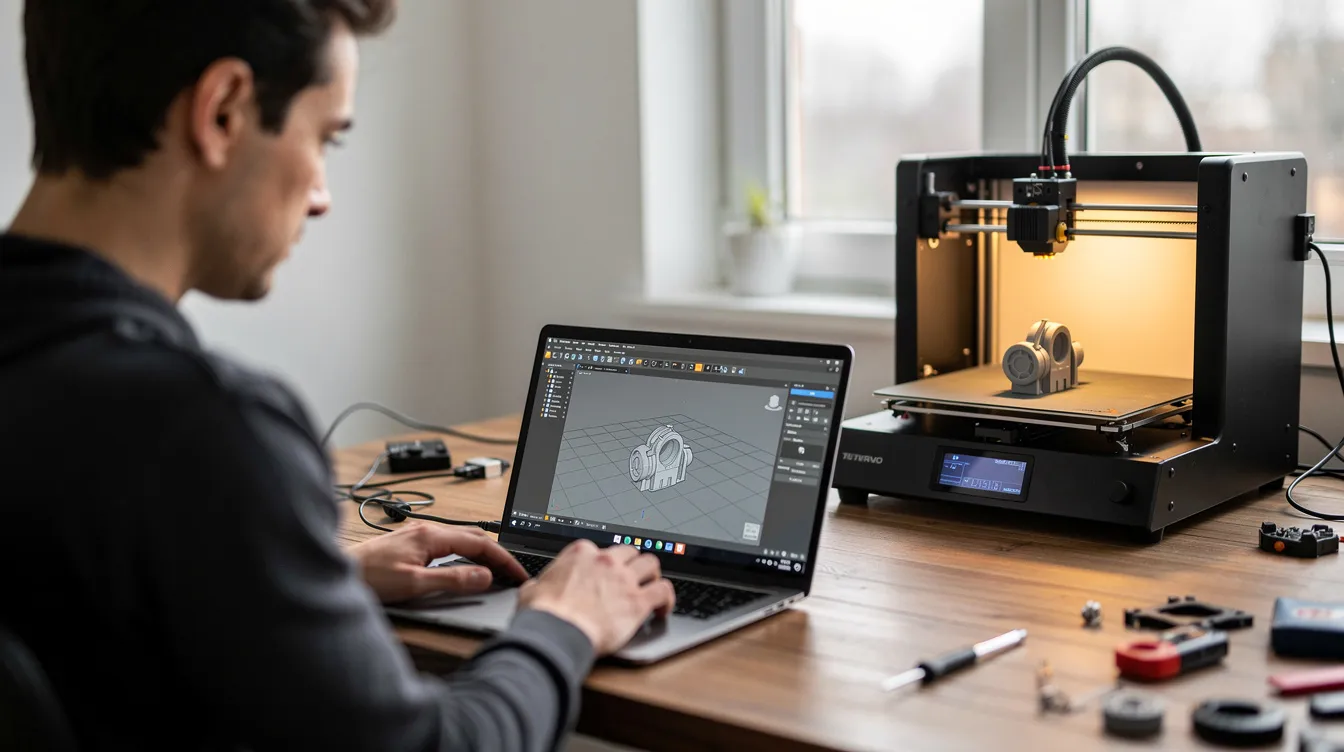
Some generators target 3D printing and export STL or 3MF. But many AI 3D outputs still have non-manifold geometry or thin elements that need repair. Always run models through a mesh check, confirm scale, and do a small test print before committing to larger or multi-color jobs.
Do I need a powerful GPU or special hardware to use an AI 3D model generator?
Most modern AI 3D generators run entirely in the cloud, so you can generate models from a laptop or even a tablet using a web browser. Local GPU power helps when you want to edit or render generated models in software like Blender or Unreal Engine. If you're on older hardware, favor lighter scenes and lower polygon counts when exporting.
How do AI 3D model generators compare to photogrammetry or 3D scanning?
Photogrammetry and scanning reconstruct real objects with high geometric accuracy from many photos or depth captures, but they require careful setup and can't invent objects that don't exist. AI text and image-to-3D tools can create entirely new objects from an idea, making them ideal for concept art, stylized props, and quick ideation. Use photogrammetry when you need faithful digital doubles; use AI 3D generators when creative speed and flexibility matter more than exact replication.
Written by Agentdex Editorial. Agentdex is an independent directory reviewing AI coding tools; we are not affiliated with the companies mentioned. Prices and features are as of October 23, 2026, from official sources linked above. Always confirm on the vendor's site.