 Agentdex
Blog · · Agentdex Editorial
Free AI Code Generators: The Best Options in 2026
You don't have to pay to code with AI in 2026. Several of the best AI coding tools have usable free plans, and open-source agents let you pay nothing at all if you run a local model. The catch is limits: free tiers cap completions, agent requests or credits, and the strongest models are usually reserved for paid plans. This guide covers the best free AI code generators as of October 24, 2026, what each free plan actually includes and how to get the most out of them.
Key Takeaways
- Best free AI editor: Google Antigravity, with a free individual plan that includes unlimited tab completions.
- Best free assistant for your existing IDE: GitHub Copilot (Agentdex profile) Free, with 2,000 completions a month.
- Best free AWS option: Amazon Q Developer (Agentdex profile) Free, with 50 agentic requests a month.
- Best fully free route: open-source agents such as Cline (Agentdex profile), Aider (Agentdex profile), OpenCode and Kilo Code, paired with a local model through Ollama or LM Studio.
- Best free app builders: Bolt (Agentdex profile) (1M tokens a month), Lovable (Agentdex profile) (5 credits a day) and Google AI Studio's Build mode.
- Free is great for learning and prototypes. For daily professional work, expect to hit limits.

What is a free AI code generator?
A free AI code generator is a tool that writes, edits or explains code from natural-language prompts without charging you, at least up to a limit. They come in four types:
- AI editors and IDE assistants that complete code and run agents inside your editor, such as Google Antigravity, GitHub Copilot and Cursor (Agentdex profile).
- Terminal and IDE agents that plan and make multi-file changes, such as Cline, Aider and OpenCode.
- AI app builders that create whole apps from a prompt in the browser, such as Bolt, Lovable and Google AI Studio.
- Chat assistants such as ChatGPT and Claude, which can write code snippets on their free plans.
The best free AI code generators compared
Tool | Type | What's free (Oct 2026) | Paid from |
|---|---|---|---|
Google Antigravity | Agentic IDE, app and CLI | Individual plan: unlimited tab completions, weekly agent limits | Gemini Code Assist Standard $19 |
GitHub Copilot | IDE assistant | Copilot Free: 2,000 completions a month | Pro $10/month |
Amazon Q Developer | IDE and CLI assistant | 50 agentic requests a month | Pro $19/user/month |
Cursor | AI editor | Free plan with limited usage | Plus $8/month |
AI editor (formerly Windsurf) | Free plan | Pro $20/month | |
Coding agent | Limited access on ChatGPT Free | ChatGPT Go $8, Plus $20 | |
Cline, Aider, OpenCode, Kilo Code | Open-source agents | Free software; pay for models or use local ones | Optional paid tiers |
Bolt | AI app builder | 1M tokens a month, 300K a day | Pro $18/month billed annually |
Lovable | AI app builder | 5 credits a day, up to 30 a month | Pro from $25/month |
Google AI Studio | Prompt-to-app builder | Build mode with a modest free quota | Higher limits with Google AI Pro |
Best free AI editors and assistants
Google Antigravity
Antigravity is Google's agentic development platform, with an IDE, desktop app, CLI and SDK. Its free individual plan includes unlimited tab completions and weekly agent limits, which makes it the most generous free AI editor right now. For individuals, it replaced the Gemini Code Assist free tier and the unpaid Gemini CLI (Agentdex profile) tier in June 2026.
GitHub Copilot Free
Copilot Free gives you 2,000 code completions a month in VS Code, JetBrains IDEs, Visual Studio, Xcode and other editors. It is the easiest way to add AI to the editor you already use. Note that interaction data from Copilot Free is used for model training unless you opt out in your settings.
Amazon Q Developer Free
Amazon Q Developer's free tier includes 50 agentic requests a month and up to 1,000 lines of Java code transformation. It is a good fit if you build on AWS.
Cursor and Devin Desktop
Both AI editors have free plans that let you try their agents and completions with limited usage. They work well for evaluating the editor before you pay; for regular use, you'll likely need Cursor Plus ($8/month) or Devin Desktop Pro ($20/month). See our Cursor alternatives and Windsurf pricing guides.
OpenAI Codex
Codex is included in ChatGPT plans, and ChatGPT Free gets limited access. That's enough to try the agent; Plus at $20/month includes full Codex access. See our Codex guide.
Free open-source agents and local models
If you want to pay nothing, open-source agents are the answer. The software is free, and you choose the model:
- Cline (Apache-2.0) runs in VS Code, Cursor, Devin Desktop and JetBrains IDEs, with a CLI.
- Aider (Apache-2.0) works in the terminal and commits every change to Git. See our Aider review.
- OpenCode (MIT) is a terminal, desktop and IDE agent that connects to 75+ providers and offers some free models. See our OpenCode guide.
- Kilo Code (MIT) runs in VS Code and JetBrains IDEs, with access to 500+ models.
Pair any of them with a local model through Ollama or LM Studio and your only cost is your hardware. The trade-off is quality and speed: local models that fit on a laptop are weaker than frontier cloud models, so they suit smaller tasks better than large refactors. Our best LLM for coding guide covers which models to try.
Best free AI app builders
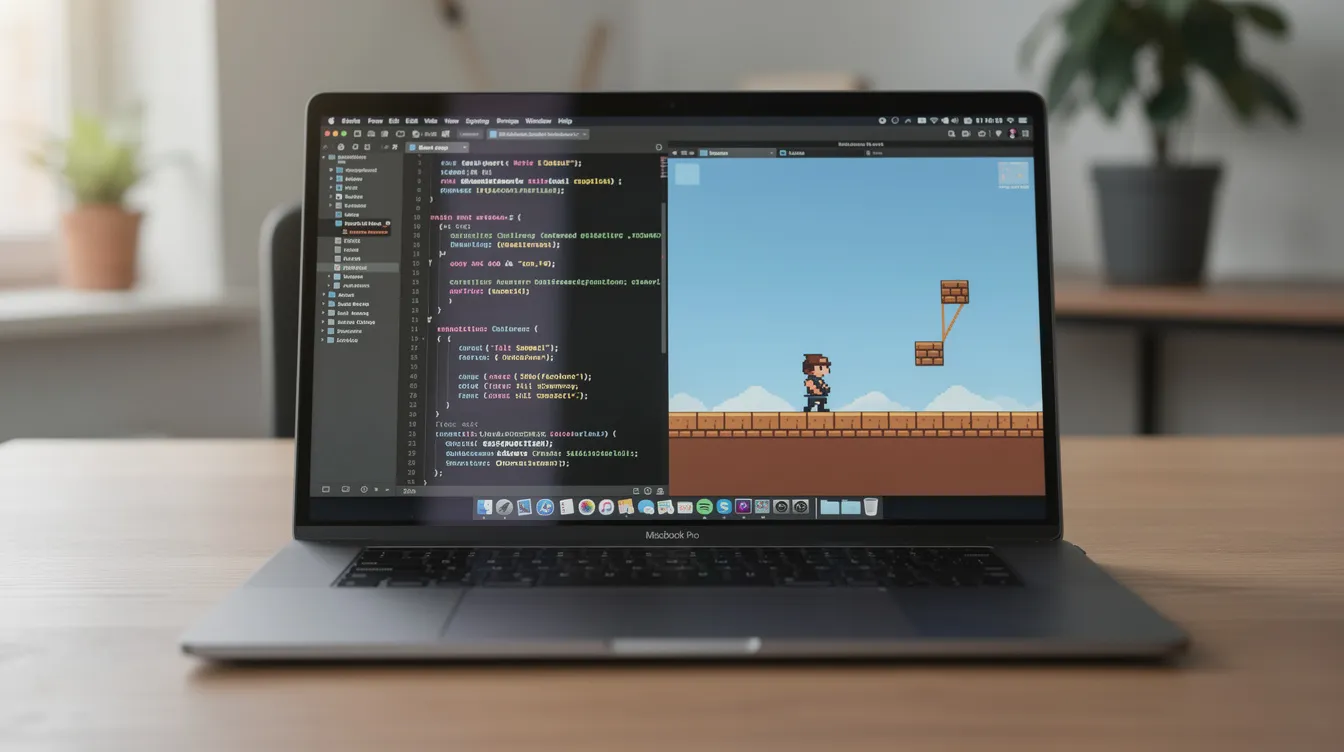
If you want a whole app rather than code in an editor:
- Bolt gives 1M tokens a month (300K a day) on its free plan. See What is Bolt?
- Lovable gives 5 credits a day, up to 30 a month. See our Lovable pricing guide.
- Google AI Studio Build mode creates full-stack web apps and native Android apps, with a modest free quota.
- Replit (Agentdex profile) has a free Starter plan with limited Agent use.
- v0 (Agentdex profile) gives new users a one-time $5 in credits and 7 messages a day. See v0 pricing.
For more options, see our list of Bolt.new alternatives.
Limits and risks of free tools
- Usage caps: free plans run out fast on agent tasks. Plan your heavy work around the reset.
- Weaker models: the strongest models are often paid-only.
- Training on your data: some free plans use your interactions for training by default. Check the settings before you paste private code.
- Code quality: AI-generated code can contain bugs and security issues. Review it, test it and never commit secrets.
- Licensing: you are responsible for the code you ship. Check your tool's terms on output ownership.
How to get the most from a free plan
- Be specific. Name the language, framework, file and expected behavior. Vague prompts waste requests on retries.
- Give context once. Add a rules file or AGENTS.md with your stack and conventions so you don't repeat them. See our Cursor rules and Windsurf rules guides.
- Use completions for small work and save agent requests for multi-file changes.
- Combine tools. For example, Copilot Free in your editor plus an open-source agent with a cheap or local model.
- Ask for tests. Have the AI write tests for the code it generates, then run them.
Which free AI code generator should you pick?
- You're learning to code: GitHub Copilot Free or Google Antigravity.
- You want an AI editor at no cost: Google Antigravity.
- You want to pay nothing, ever: Cline, Aider or OpenCode with a local model.
- You build on AWS: Amazon Q Developer.
- You want a full app without coding: Bolt, Lovable or Google AI Studio.
When you outgrow free plans, our guides to the best AI code generators and Claude Code alternatives compare the paid options.
FAQ
What is the best free AI code generator?
For most developers, Google Antigravity's free individual plan or GitHub Copilot Free. If you want to pay nothing at all, use an open-source agent such as Cline or Aider with a local model.
Is GitHub Copilot free?
Yes, Copilot Free includes 2,000 completions a month. Paid plans start with Pro at $10/month.
Can I use AI-generated code in commercial projects?
Generally yes, but check each tool's terms. You are responsible for reviewing generated code, including for bugs, security issues and similarity to existing code.
Are free AI code generators good enough for production code?
They can produce production-quality code, but free tiers limit how much you can do and which models you get. Whatever tool you use, review and test the code before you ship it.
Can I run an AI code generator offline?
Yes. Open-source agents such as Cline, Aider, OpenCode and Kilo Code can use local models through Ollama or LM Studio, so your prompts and code can stay on your machine.
Written by Agentdex Editorial. Agentdex is an independent directory reviewing AI coding tools; we are not affiliated with the companies mentioned. Prices and features are as of October 24, 2026, from official sources linked above. Always confirm on the vendor's site.