 Agentdex
Blog · · Agentdex Editorial
Aider Review (2026): The Free Terminal AI Pair Programmer
Is Aider (Agentdex profile) worth using in 2026? For terminal-first developers and AI coders, Aider is one of the best free, repo-aware AI pair programmers available today. It edits your real files, commits via Git, and supports cloud and local models. If you want IDE-style inline completions or a GUI, look elsewhere.
Key Takeaways
Aider is free to install with no subscription tiers. As of October 2026, you only pay LLM API costs to providers like Anthropic, OpenAI, or DeepSeek. Aider does not list a separate SaaS price on its site-confirm exact pricing on each provider's official page.
This review is based on Aider's official documentation and feature set as of October 2026. Agentdex is an independent directory and is not affiliated with the Aider project.
Core strengths: terminal-first workflow, Git-native commits, support for cloud and local models, and a repo map that helps it work in larger codebases across 100+ languages.
Key tradeoffs: excellent for repo-aware edits and AI agents-style workflows in the shell; weaker for visual debugging, rich UI, or teams that require SOC 2–audited SaaS tools.
What is Aider, and why are devs still talking about it in 2026?
Aider is a free, open-source AI pair programmer that runs in your terminal and edits the files in your real git repository, with no copy-paste required.
The project has built a large following among terminal-first developers. Aider can connect to almost any LLM, from Anthropic's Claude and OpenAI models to DeepSeek and local models via Ollama.
Aider suits a conversational, vibe-coding style: longer sessions where you describe direction and constraints, and the AI iteratively reshapes the repository while you review the diffs.

How does Aider's AI pair programming workflow actually feel day-to-day?
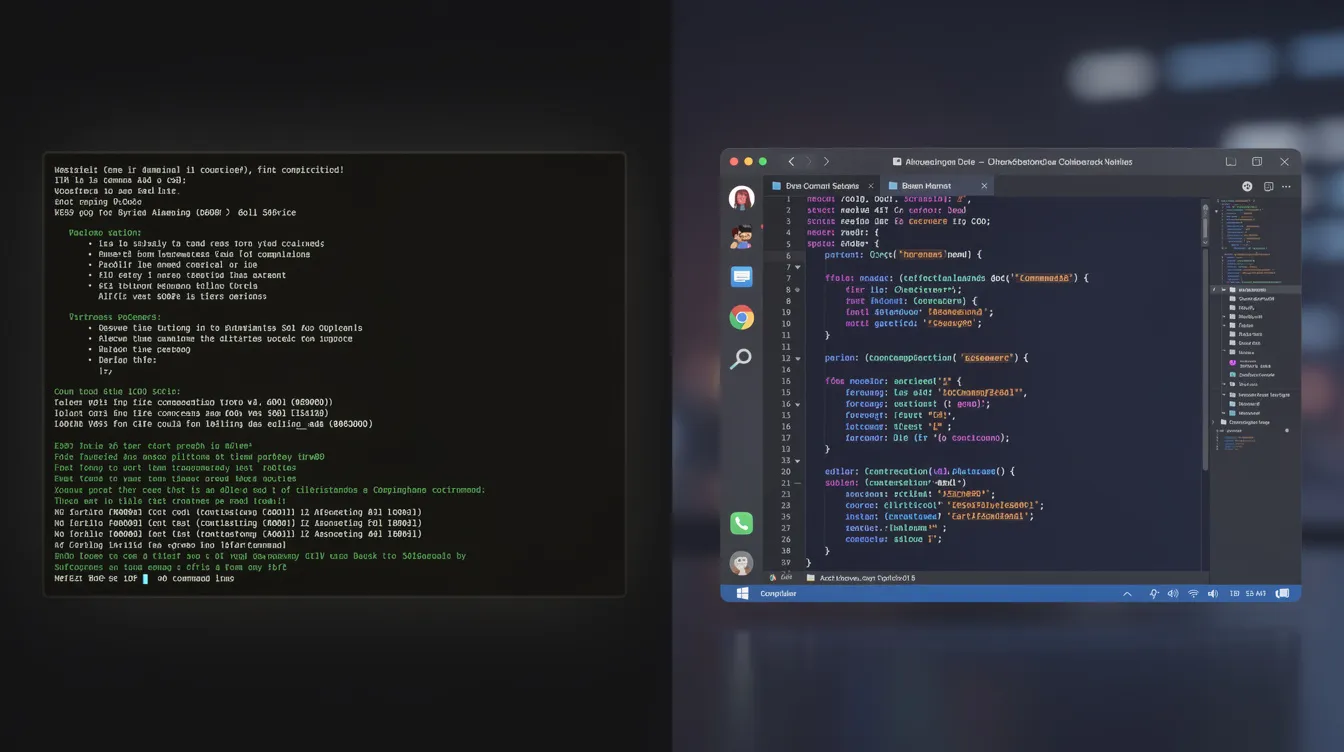
You open a terminal, run Aider in a git repository, add the files you want it to work on, and describe your goal in natural language. Aider edits the files and commits the changes with descriptive messages. You review each diff, run tests, and steer. Because changes land as reviewable commits rather than silent rewrites, it's easy to undo anything you don't like.
Aider's architect mode splits planning and editing across two models. You can assign a stronger reasoning model as the architect and a cheaper, faster model as the editor, which helps keep costs under control for people who code daily.
Instead of slurping every file into context, Aider builds an internal map of your repo-classes, functions, imports-so it can reason across existing codebases while staying within token limits. It also automatically runs linters after each edit, and you can configure it to run tests. When tests pass, you move on. When they fail, Aider feeds errors back to the LLM for a fix in subsequent commits.
Aider can also work from inside your editor: in watch mode, you add comments to your code asking for changes, and Aider picks them up. It supports images and web pages as context, and even voice-to-code.
Example scenario: You have a Flask backend. You ask Aider to refactor endpoints to async and add auth middleware. Tests fail on the auth layer. Aider reads the failure output, proposes a correction, and commits the fix.
Where does Aider shine for AI coders, and where does it fall short?
Here's a straight pros/cons assessment as of October 2026.
Strengths:
Terminal-first design fits naturally into Git-based workflows, CI, and existing shell habits. Aider suits developers comfortable with command-line interfaces.
Excellent for non-linear, exploratory coding-prototyping games, tools, or bots-where you want an AI pair, not just autocomplete. Aider is popular among solo builders working in existing repos.
Aider supports over 100 programming languages including Python, JavaScript/TypeScript, Rust, Go, C++, and game-adjacent tech like Lua and C#.
Model flexibility: swap between cloud providers or local models without changing tools, which helps teams that want to keep code on their own machines.
Git-native commits with auto-generated messages, enabling fast reverts and easy code review. A good fit for backend engineers and open-source maintainers.
Limitations:
No rich GUI or IDE panel. You live in the terminal and your existing editor.
No inline tab-completion inside VS Code or JetBrains. It complements those tools but doesn't replace Cursor-style completions.
Compliance gaps versus enterprise SaaS-no out-of-the-box SOC 2 report. Organizations should do their own security review.
Learning to "prompt like an engineer" matters here: scope changes, name files explicitly, and run tests. Inexperienced users may initially feel friction.
How does Aider compare to other AI pair tools and agents in 2026?
The AI coding landscape in 2026 includes IDE-native tools, browser-based sandboxes, and terminal-first CLI tools like Aider. Each category optimizes for different workflows. We won't speculate on specific pricing or benchmark scores for competitors.
Aider wins when the project lives in Git, you're comfortable in the terminal, and you want flexible, reproducible diffs with no vendor lock-in. GUI-centric tools tend to win when you want predictive, line-level suggestions or prefer not to manage API keys. Claude Code (Agentdex profile) is a close terminal-first alternative, but it runs only on Anthropic models, while Aider lets you connect to providers like xAI, DeepSeek, or local setups. See our best AI coding assistants roundup for more options.
Model ecosystems shift fast. Re-check Aider's release notes periodically.
Feature comparison: Aider vs common AI coding setups
Feature | Aider (Terminal AI Pair) | IDE Inline Completion Plugin | Browser-Based Chat Coder |
|---|---|---|---|
Best for | Repo-aware edits, vibe coding, ai pair programming | Flow-state typing, quick fixes | Brainstorming, snippets, planning |
Interface | Terminal + chat, CLI commands for diff/undo | Editor-native, inline completions | Web UI, file upload, copy-paste |
Repo awareness | Strong: repo map + explicit file inclusion | Moderate: current file + open buffers | Low: manually provided context |
Git integration | Strong: auto-commits, auto-messages, /undo | Weak or hidden | Minimal |
Model flexibility | Very high: most LLM providers, cloud + local | Usually locked to one provider | Cloud-based, fewer choices |
Learning curve | Medium-high: prompt scoping, Git, lint, tests | Low to medium | Low |
Typical use cases | Indie game dev, small SaaS, scripts, refactors | Day-to-day coding, UI work, small bugs | Non-urgent design, docs, research |
Cost | Free tool; API usage billed by model provider | Subscription or bundled | Often free tier + paid plans |
How do you get started with Aider (and avoid common rookie mistakes)?
You can reach your first useful session in under an hour if you already have Git and a repo.
Setup steps:
Install Aider via pip or your package manager-standard CLI install for macOS, Linux, and WSL on Windows.
Obtain API keys for at least one LLM provider (Anthropic, OpenAI, DeepSeek) or configure a local LLM endpoint. Check each provider's docs for current setup details.
Configure your preferred model (and optionally an architect/editor pair), plus your lint and test commands.
First session recipes:
Add a small feature to an existing game prototype-a new enemy type or inventory screen.
Refactor a messy utility module into smaller, testable pieces.
Scaffold a new project: routes, folder structure, config files for a small web service.
Run your test suite, read the failures, and ask Aider to fix them iteratively until tests pass.
Rookie mistakes to avoid:
Being too vague. Name the file, the function, the point of change.
Asking for massive multi-file rewrites in one shot. Break work into smaller steps.
Forgetting to review each diff. Reviewing changes is how you build trust in your AI assistant.
Skipping test or lint integration. Aider works best when you give it a consistent test command and let it iterate on the failures.
What does Aider cost, and how should you think about model spend?
As of October 2026, Aider itself is free and open source. You pay only for the underlying LLM usage at your provider's rates, so using a premium model for every edit costs more per task. Check each provider's pricing page, such as Anthropic's, for current token prices.
Architect mode can help: reserve expensive reasoning models for high-level planning and use cheaper models for bulk editing. Solo developers and small teams should start with a mid-tier model and monitor usage for a week before scaling up.
Students, hobbyists, and early-stage indie teams can explore free-tier API credits and local LLM setups that Aider can connect to. Quality and speed vary widely across local models, but the cost savings can be significant. Image inputs are also supported, so you can share screenshots as context with vision-capable models.
FAQ
These questions cover common questions about Aider and AI pair programming tools.
Can I use Aider alongside my existing IDE and Git GUI?
Yes. Aider is editor-agnostic: run it in a terminal pointed at your repo and keep editing in VS Code, JetBrains, Neovim, or any other editor. Git GUIs will see the commits Aider makes, and you can review or revert them as usual.
Does Aider work well for game development specifically?
Aider can be useful for gameplay logic, tool scripts, and data pipeline code in Unity, Godot, or custom-engine projects. It's less relevant for purely visual or asset-heavy tasks. Success depends on how cleanly gameplay code is separated into scripts Aider can edit. Our guide to AI game makers covers no-code options.
Is Aider safe to run on private or client codebases?
Aider runs locally, but when you use hosted LLMs your code is sent to those providers. Review each provider's data-usage policy and consult your security or legal teams for sensitive projects. Local LLM setups avoid sending code outside your machines entirely.
Can I plug Aider into larger AI agent workflows?
Some advanced users script Aider into larger workflows, for example in CI pipelines or alongside task runners. Aider supports scripting from the command line and Python; see the docs and the GitHub repo for details.
Where can I follow updates on Aider and other AI coding tools?
Check Aider's official GitHub repo for the latest features, and the Aider profile on Agentdex. For daily updates on new models, AI coding tools, and what they mean for AI coders, join the free Model Pulse newsletter at agentdex.app/newsletter.
Written by Agentdex Editorial. Agentdex is an independent directory reviewing AI coding tools; some links are affiliate links, marked as such (disclosure), and they never change our rankings. Prices and features are as of October 23, 2026, from official sources linked above. Always confirm on the vendor's site.