 Agentdex
Blog · · Agentdex Editorial
The Best Vibe Coding Tools in 2026: App Builders, AI Editors and Agents Compared
Vibe coding means describing what you want in plain English and letting AI write the code, then steering it by testing the result and asking for changes. The tools fall into three groups: browser app builders for people who want a working app without touching code, AI code editors for developers, and terminal agents for larger, multi-file work. This guide compares the main vibe coding tools in each group, with prices from official pricing pages as of October 24, 2026, and helps you pick the right one.
Key Takeaways
- Browser app builders (Lovable (Agentdex profile), Bolt (Agentdex profile), Replit (Agentdex profile), v0 (Agentdex profile)) are the fastest way to go from an idea to a working app, and all four have free plans.
- AI code editors (Cursor (Agentdex profile), GitHub Copilot (Agentdex profile), Devin Desktop (Agentdex profile)) suit developers who want to stay in control of the code.
- Terminal agents such as Claude Code (Agentdex profile) are best for large changes across a real codebase, but need a paid plan from $20/month.
- Free tiers are good for prototypes. Expect to pay roughly $18 to $30 a month for serious use of any one tool.
- Whatever you use, review what the AI builds before real users or real data touch it.

What is vibe coding?
The term was coined by Andrej Karpathy in February 2025 to describe building software by talking to an AI and "giving in to the vibes" rather than writing every line yourself. In practice it ranges from non-developers building a first app in a browser to experienced engineers handing whole features to an agent. Our what is vibe coding guide covers the idea in more depth.
The best vibe coding tools at a glance
Tool | Type | Free plan | Paid from (Oct 2026) | Best for |
|---|---|---|---|---|
Lovable | Browser app builder | 5 build credits a day, up to 30 a month | Pro from $25/month | Non-technical founders building full-stack MVPs |
Bolt | Browser app builder | 1M tokens a month (300K a day) | Pro $18/month billed annually | Fast web app prototypes with code access |
Replit | Browser IDE, agent and hosting | Starter plan | Core $20/month ($18 billed annually) | All-in-one build, database and hosting |
v0 | UI and app builder by Vercel | 7 messages a day | $30/user/month | Frontend and UI, deployed to Vercel |
Cursor | AI code editor | Yes, limited | Plus $8/month (Grok only); Premium $30/month | Developers who want an AI-first editor |
GitHub Copilot | Assistant and agent in many IDEs | 2,000 completions a month | Pro $10/month | Developers who want to keep their editor |
Devin Desktop (formerly Windsurf) | AI editor and agent hub | Light quota | Pro $20/month | Running Devin agents locally and in the cloud |
Claude Code | Terminal, IDE and desktop agent | No (needs a paid Claude plan) | Claude Pro $20/month ($17 billed annually) | Large multi-file changes in real codebases |
How to choose a vibe coding tool
- Can you code? If not, start with a browser app builder. If you can, an AI editor or terminal agent gives you more control.
- Do you need hosting and a database? Lovable, Bolt and Replit include hosting and databases. Editors and agents expect you to bring your own.
- Will you keep the code? Check that you can export or sync to GitHub. All the builders here support some form of code access or GitHub sync, though some features need a paid plan.
- How will you be billed? Builders use credits or tokens, and complex prompts use more. Editors and agents use allowances that reset weekly or monthly. Start on a free plan and watch your usage before upgrading.
Browser app builders
Lovable
Lovable turns a chat into a full-stack web app, with Lovable Cloud handling the database, storage and functions. The Free plan includes 5 build credits a day (up to 30 a month). Pro starts at $25/month for 100 credits, and Business starts at $50/month. Simple changes cost under a credit, while bigger features cost more. It is the easiest place for a non-technical founder to start. See Lovable pricing for the details.
Bolt
Bolt builds web apps in the browser and shows you the code as it goes, which suits people who want to look under the hood. Free includes 1M tokens a month with a 300K daily limit and Bolt branding. Pro is $18/month billed annually ($216 a year) with 10M tokens a month, rollover, custom domains and the newest models. Larger projects use more tokens per message, so keep projects tidy.
Replit
Replit combines a browser IDE, the Replit Agent, databases and hosting in one place. Starter is free. Core is $20/month ($18 billed annually) and includes $20 a month towards more powerful models. Pro is $100/month ($90 billed annually) with up to 15 collaborators. It is a strong choice if you want to build, run and host without setting anything up yourself. Compare it with Bolt in Replit vs Bolt.
v0 by Vercel
v0 is strongest at modern frontend and UI work and deploys straight to Vercel, with GitHub sync and a visual Design Mode. Free allows 7 messages a day. The paid team plan is $30 per user per month with $30 of monthly credits plus $2 of free daily credits per user, and Business is $100 per user per month with training opt-out by default. See v0 pricing.
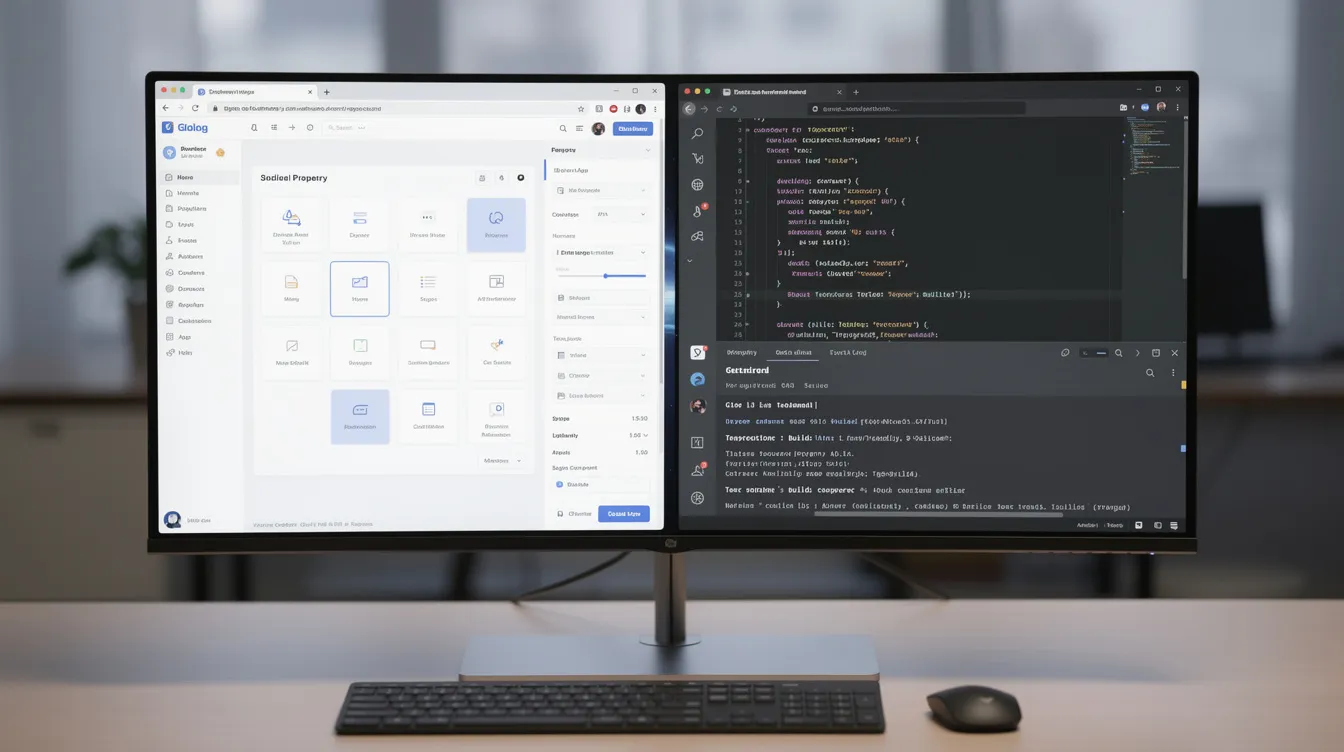
AI code editors
Cursor
Cursor is an AI-first editor built on VS Code, with an agent for multi-file changes, cloud agents and Bugbot code review. Free lets you try it, Plus is $8/month for Grok models only, and Premium at $30/month unlocks third-party models (billed at API list price) and cloud agents. See Cursor pricing.
GitHub Copilot
Copilot works inside the editor you already use, including VS Code, JetBrains IDEs, Visual Studio and Xcode, and its cloud agent can turn an issue into a pull request. Free includes 2,000 completions a month and Pro is $10/month. See GitHub Copilot pricing.
Devin Desktop (formerly Windsurf)
Windsurf became Devin Desktop in June 2026. It has a free plan with unlimited Tab completions and a light agent quota, and Pro at $20/month includes frontier models within daily and weekly quotas plus Devin Cloud. See Windsurf vs Cursor.
Terminal and desktop agents
Claude Code is the best-known agent in this group. It works in your terminal, in IDEs and in the Claude desktop app, reading your codebase, editing files, running tests and opening pull requests. It needs a Claude Pro plan ($20/month, or $17/month billed annually) or higher, or a Claude Console account. Our Claude Code download guide shows how to install it.
Open-source agents such as Cline (Agentdex profile), Kilo Code and OpenCode take a different approach: the tool is free and you pay your model provider directly, often through a service like OpenRouter. For a ranked list of agents, see the best AI coding agents for AI coders.
App builders vs AI-assisted coding
Browser app builders | AI editors and agents | |
|---|---|---|
Coding knowledge needed | None to start | Some to a lot |
Hosting and database | Usually included | Bring your own |
Control over code | Limited to moderate | Full |
Best stage | Idea, prototype, MVP | Growing product, existing codebase |
Typical billing | Credits or tokens per message | Weekly or monthly usage allowances |
Many people start in a builder, then export the code to GitHub and keep going in an editor or with an agent once the project gets serious.
Security, privacy and ownership
- Review before launch. AI-generated apps can ship with missing access controls or exposed keys. Check authentication, database rules and secrets before real users arrive.
- Check training settings. Several tools may use data from free or individual plans to improve models unless you opt out. Business plans usually turn this off by default.
- Keep a copy of your code. Connect GitHub early so you are not locked into one platform.
- Never paste production secrets into prompts. Use environment variables.
A simple workflow to build your first app
- Write a one-paragraph description of the app: who it is for, the three things it must do, and what "done" looks like.
- Build the first version in a browser builder on its free plan.
- Test it yourself and ask for one change at a time, with clear descriptions of what is wrong.
- Connect GitHub so your code is backed up.
- Before sharing it, review sign-in, data access and any payment flow, or ask an AI code reviewer to check it.
- When the app outgrows the builder, open the repo in an AI editor or with Claude Code and continue from there.
Tips for better results
- Be specific. "Add a sign-up form with email and password, and show an error if the email is taken" beats "add login".
- Work in small steps and test after each one.
- When the AI gets stuck in a loop, start a fresh chat with a short summary of the current state.
- Save good instructions as project rules. The free Vibe Coder Starter Kit includes starter rules files, prompts and checklists.
FAQ
What is the best vibe coding tool for beginners?
For people who do not code, Lovable, Bolt or Replit are the easiest starting points because they handle hosting and databases for you. All three have free plans.
Can I build a production app with vibe coding tools?
Yes, but treat the first version as a prototype. Review security, data access and error handling, or have a developer review it, before real users and real data rely on it.
Do I need to know how to code?
Not to start. Browser app builders are designed for non-developers. Basic knowledge helps a lot once you need to debug problems or move beyond the builder.
Are terminal agents like Claude Code better than browser builders?
They are better for large changes across an existing codebase and give you full control. Browser builders are faster for going from an idea to a hosted prototype. Many people use both.
How can I keep vibe coding costs under control?
Start on free plans, keep prompts focused, work in small steps, and watch your usage dashboard before upgrading. Upgrade only the tool you actually use every day.
Written by Agentdex Editorial. Agentdex is an independent directory reviewing AI coding tools; we are not affiliated with the companies mentioned. Prices and features are as of October 24, 2026, from official sources linked above. Always confirm on the vendor's site.