 Agentdex
Blog · · Agentdex Editorial
Bolt vs Cursor (2026): AI App Builder or AI Code Editor?
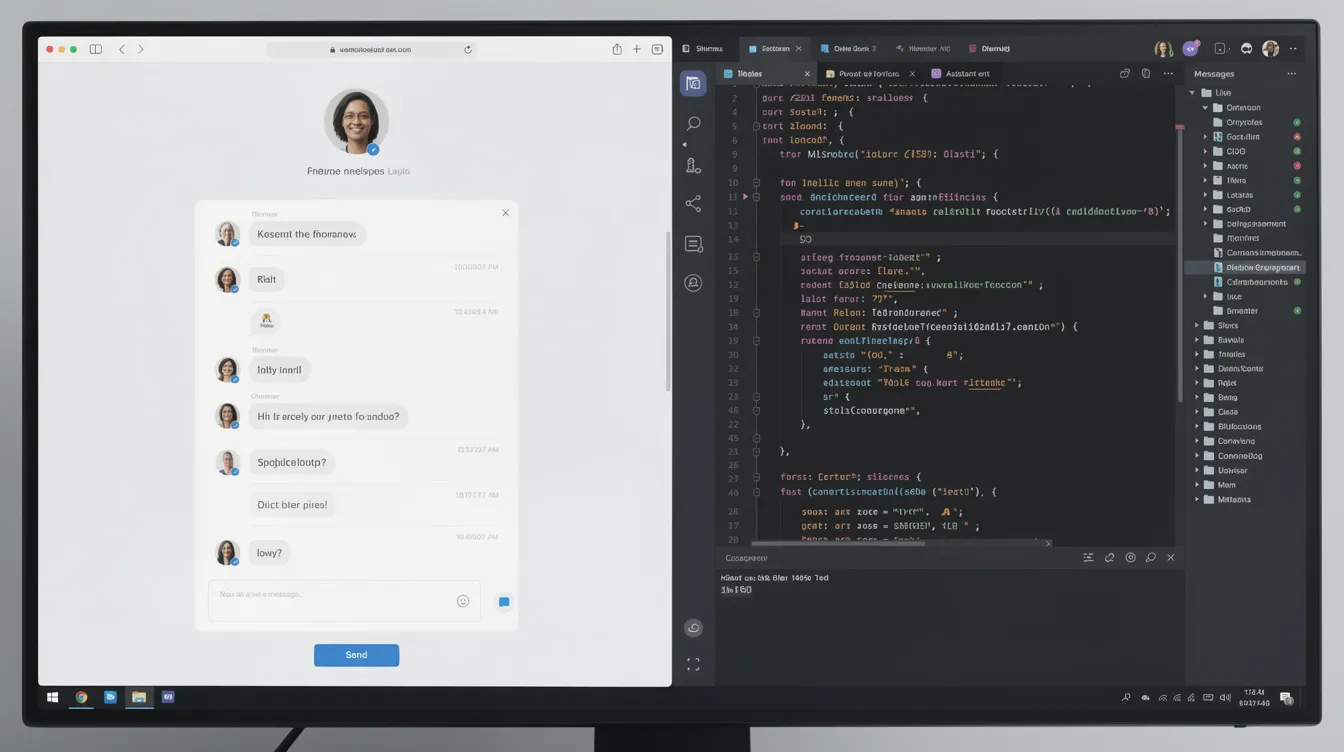
Bolt (Agentdex profile) and Cursor (Agentdex profile) both use AI to build software, but they are different kinds of tools. Bolt is a browser-based AI app builder: you describe an app and it writes, runs and hosts it for you. Cursor is an AI code editor you install on your computer, where you work inside a real codebase and stay in charge of the stack. This comparison covers workflow, pricing, hosting and who each suits as of October 24, 2026, so you can pick one or use both at different stages.
Key Takeaways
- Pick Bolt if you want to go from idea to a live web app without setting up a local environment, database or hosting.
- Pick Cursor if you write code (or want to learn), need control over architecture, or work on large or non-web projects.
- Pricing as of October 2026: Bolt has a free plan with 1M tokens a month and Pro at $18/month billed annually. Cursor has a free plan, Plus at $8/month (Grok models only) and Premium at $30/month.
- A common path is to prototype in Bolt, sync the code to GitHub, then continue in Cursor once the project needs careful engineering.

Bolt vs Cursor at a glance
Bolt | Cursor | |
|---|---|---|
Type | Browser-based AI app builder | Desktop AI code editor built on VS Code |
Best for | Prototypes, MVPs, internal tools, landing pages | Production codebases, refactors, any language or stack |
Setup | None; runs in the browser | Install the editor; bring your own repo, hosting and database |
Hosting and database | Built in through Bolt Cloud | Your choice |
Free plan | 1M tokens a month (300K daily limit), Bolt branding | Limited agent and chat requests |
Main paid plan | Pro $18/month billed annually, 10M tokens a month | Plus $8/month (Grok models only); Premium $30/month |
Teams | $27 per member per month billed annually | From $30 per user per month |
How Bolt works
Bolt, made by StackBlitz, runs a full Node.js development environment in your browser using WebContainers. You type a prompt such as "a booking app for a yoga studio with a calendar and an admin page", and Bolt's agent creates the project, installs packages and shows a live preview. You refine it by chatting or editing the code directly, then publish to a bolt.host subdomain, or a custom domain on paid plans.
Bolt Cloud covers databases, authentication, file storage, edge functions and hosting, so many apps never need another service. You can start from a Figma design or a GitHub repository, use Plan Mode to agree an approach before code is written, and build mobile app prototypes with Expo. You own the code and can sync it to GitHub. More detail in What is Bolt?
How Cursor works
Cursor is a desktop editor built on VS Code. It indexes your project so the AI understands the codebase, predicts your next edit with tab completion, and runs an agent that plans changes across multiple files, runs terminal commands and shows diffs you accept or reject. Because it is a general editor, it works with any language or framework: backends, CLIs, games, mobile apps and monorepos, not just web apps.
Premium and higher plans add cloud agents and automations, AI code reviews through Bugbot and third-party models billed at API list price. With privacy mode on, Cursor says your code data is not used for training by Cursor or its model providers.
Generation vs assistance
The simplest way to frame the choice: Bolt generates, Cursor assists. Bolt makes many decisions for you (framework, structure, hosting) so you can see a working app quickly. Cursor speeds up work you direct, so every architectural decision stays with you.
That shapes the experience as projects grow. In Bolt, token use rises with project size because the agent reads more code on each change, and large apps can become harder to steer by chat alone. In Cursor, big codebases are the normal case, but you need to understand Git, a terminal and a deploy target, or be willing to learn.
Pricing compared (October 2026)
Bolt: Free gives 1M tokens a month with a 300K daily limit, hosting, unlimited databases and Bolt branding. Pro costs $18/month billed annually ($216 a year) for 10M tokens a month with rollover, no daily limit, custom domains, no branding, and connectors and MCPs. Teams costs $27 per member per month billed annually, and Enterprise is custom. See Bolt's pricing page.
Cursor: Free includes limited agent and chat requests. Plus is $8/month with Grok models only. Premium is $30/month with four times Plus usage, cloud agents, Bugbot and third-party models at API list price. Super ($100) and Ultra ($200) raise usage to 15x and 50x Plus. Teams starts at $30 per user per month. See Cursor's pricing page.
Both meter AI usage, so your real cost depends on how much you build. If you would otherwise pay separately for hosting and a database, Bolt bundles them. If you already have hosting and mainly want faster coding, Cursor's lower tiers usually cost less.
Which should you use?
- Non-technical founder testing an idea: Bolt.
- Designer turning a Figma file into a working front end: Bolt.
- Developer shipping a production app: Cursor, with your own Git, tests, CI and hosting.
- Non-web project (game, CLI, native app, backend service): Cursor.
- Learning to code: Bolt to see something working, then Cursor to understand and change the code.
Using both
Many builders start in Bolt to get a working version in front of users, sync the project to GitHub, then open the repo in Cursor for the slower work: tests, refactors, performance and security review. Move early if you know the project will need serious engineering, because each round of chat-driven changes in a large app costs more tokens and is harder to review.

Comparing more builders? See Bolt alternatives, Lovable vs Bolt and Cursor alternatives.
FAQ
Is Bolt or Cursor better for beginners?
Bolt. It needs no setup and builds a running app from a prompt. Cursor assumes you can read code and use Git, though it is a good place to learn once you have the basics.
Can I move a Bolt project into Cursor?
Yes. Sync the Bolt project to GitHub, then open the repository in Cursor. Apps that rely on Bolt Cloud's database and hosting need those services replaced or reconnected if you move off Bolt entirely.
Which is cheaper, Bolt or Cursor?
Cursor Plus is $8/month (Grok models only) and Premium is $30/month. Bolt Pro is $18/month billed annually and includes hosting and databases. Both have free plans and both meter AI usage.
Can Bolt or Cursor build mobile apps?
Bolt can build mobile app prototypes with Expo. Cursor can help with any mobile stack, such as React Native, Flutter, Swift or Kotlin, as long as you set up the toolchain on your machine.
Do I own the code in Bolt and Cursor?
Yes. Bolt lets you view, download and sync the code to GitHub. With Cursor, your code lives in your own repository.
Written by Agentdex Editorial. Agentdex is an independent directory reviewing AI coding tools; we are not affiliated with the companies mentioned. Prices and features are as of October 24, 2026, from official sources linked above. Always confirm on the vendor's site.