 Agentdex
Blog · · Agentdex Editorial
Bolt AI Website Builder: How It Works, Costs and Limits (2026)
Bolt (Agentdex profile) is an AI website and app builder that runs in your browser. You describe the site you want, Bolt writes real code, shows a live preview, and can publish it on its own hosting. Unlike template-based site builders, what you get is an editable codebase you can download or sync to GitHub. This guide covers how Bolt works as a website builder, how to build and publish a site step by step, what it costs as of October 24, 2026, and when another tool fits better.
Key Takeaways
- Bolt, made by StackBlitz, turns prompts into working websites and web apps, with hosting, databases and authentication built in through Bolt Cloud.
- It suits landing pages, portfolios, small business sites, prototypes and simple web apps. It is not a drag-and-drop editor or a full CMS.
- Pricing as of October 2026: a free plan with 1M tokens a month and Bolt branding, and Pro at $18/month billed annually with custom domains and no branding.
- You own the code: download it or sync it to GitHub and host it anywhere.

How Bolt works
Bolt runs a full Node.js development environment inside your browser using StackBlitz's WebContainers technology, so there is nothing to install. When you send a prompt, Bolt's agent creates the project files, installs packages, starts a dev server and shows a live preview. Each follow-up message changes the code, and you can open the code view and edit files directly.
Behind the scenes, Bolt Cloud provides hosting, databases, authentication, file storage and edge functions. That is the main difference from a design-only tool: a contact form, sign-up flow or members area can work without connecting outside services. For a broader overview, see What is Bolt?
What Bolt builds well
- Landing pages for products, events and launches.
- Portfolios and personal sites.
- Small business sites with a few pages, a contact form and a booking or enquiry flow.
- Prototypes and MVPs to test an idea with real users.
- Simple web apps and dashboards that need a database and logins.
Bolt usually produces modern JavaScript projects, often React-based, with responsive layouts that work on phones and desktops. You can also start from a Figma design or an existing GitHub repository.
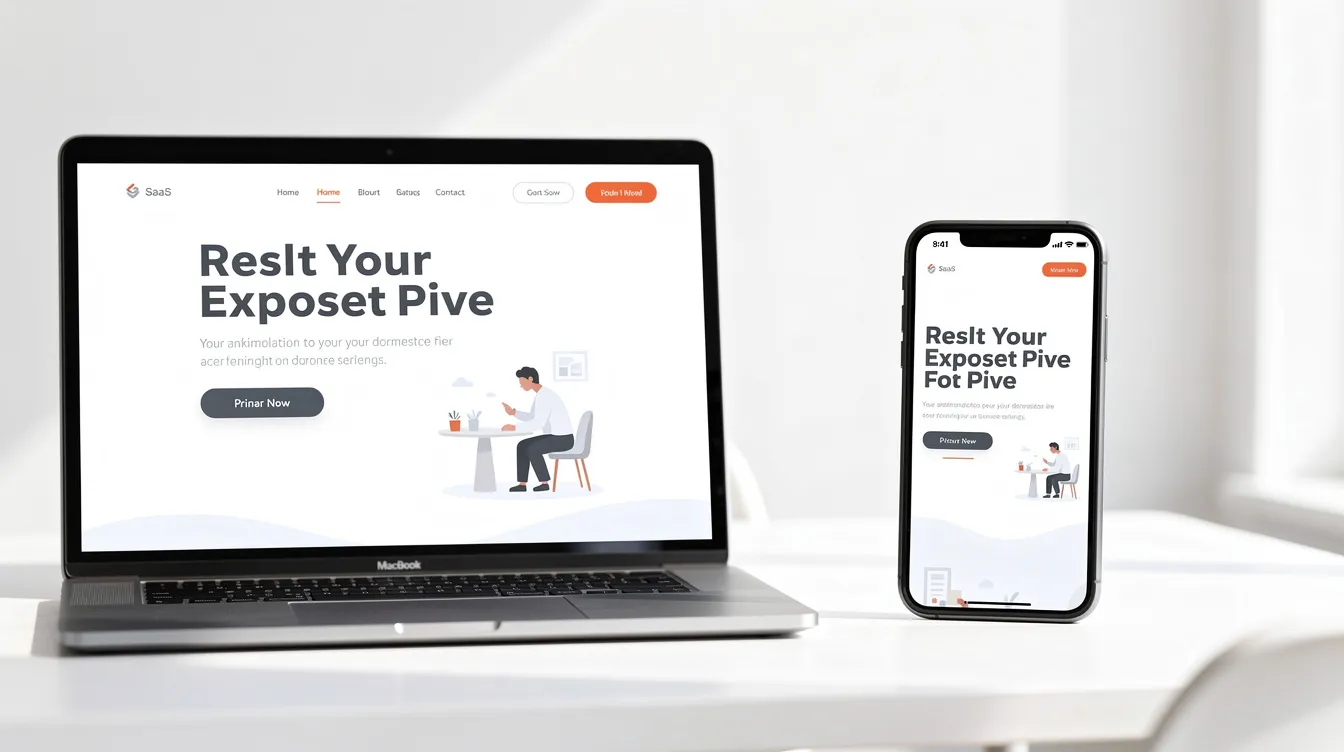
Step by step: building a website in Bolt
- Write a clear first prompt. Include the purpose, audience, pages, sections and style. For example: "A one-page site for a coffee roaster in Cape Town: hero with a call to action, three featured coffees, an about section, opening hours and a contact form. Warm, minimal design."
- Use Plan Mode for bigger sites. Ask Bolt to plan the structure before it writes code, and adjust the plan first.
- Refine in small steps. Change one section at a time, such as "make the hero headline shorter and add a secondary button". Small requests are easier to check and use fewer tokens.
- Replace placeholder content. Swap in your real copy, images and contact details, and check every link.
- Add features as needed. Ask for a database-backed form, a sign-in page or a blog section; Bolt Cloud handles the back end.
- Check SEO basics. Make sure each page has a unique title and meta description, headings in order, and alt text on images.
- Publish. Deploy to a free bolt.host subdomain, or connect your own domain on a paid plan.
Publishing and hosting
Bolt hosts sites on every plan, including free. Free sites carry Bolt branding; Pro removes it and lets you use your own domain. Because Bolt gives you the code, you can also sync to GitHub and deploy on another host, such as Vercel, Netlify or Cloudflare Pages. If your site uses Bolt Cloud's database or auth, plan for replacing those services before moving it elsewhere.

What Bolt costs (October 2026)
Plan | Price | Main inclusions |
|---|---|---|
Free | $0 | 1M tokens a month (300K daily limit), hosting, unlimited databases, Bolt branding, 10MB uploads |
Pro | $18/month billed annually ($216/year) | 10M tokens a month with rollover, no daily limit, custom domain, no branding, connectors and MCPs, SEO boost, 100MB uploads |
Teams | $27 per member per month billed annually | Centralized billing, SSO, private NPM registries, design system knowledge |
Enterprise | Custom | SOC 2 Type II, audit logs and advanced controls |
Tokens are the main cost to watch. Bolt reads and syncs your project files when working on each message, so larger projects use more tokens per change. Keep prompts focused, remove unused files and avoid long back-and-forth on small details. Check Bolt's pricing page for current plans.
Limits and trade-offs
- Not a visual editor. You change the design by prompting or editing code, not by dragging elements around.
- No built-in CMS for non-technical editors. If someone else will update content often, a site builder with a CMS may be easier for them.
- Large projects get harder. As a site grows into an app, token use rises and chat-only changes get harder to control.
- Review before launch. Check forms, privacy text, accessibility and performance yourself.
Bolt compared with other AI builders
Lovable (Agentdex profile) is the closest alternative, with a similar prompt-to-app approach; see Lovable vs Bolt. v0 (Agentdex profile) by Vercel is strong for polished React interfaces and deploys to Vercel. Replit (Agentdex profile) adds a full cloud IDE and native mobile apps; see Replit vs Bolt. If you want full control in code, an editor like Cursor (Agentdex profile) is the next step; see Bolt vs Cursor. Our Bolt alternatives list covers more.

FAQ
Is Bolt good for non-technical users?
Yes, for simple sites. You can build and publish without writing code. Some technical understanding helps once you add databases, logins or complex features, or need to fix issues the AI gets stuck on.
Can I export a Bolt site and host it myself?
Yes. Download the code or sync it to GitHub, then deploy it on any host that supports the framework. Features that depend on Bolt Cloud need replacing if you leave.
Can I use my own domain with Bolt?
Yes, on paid plans. The free plan publishes to a Bolt subdomain with Bolt branding.
Is Bolt suitable for e-commerce?
For simple stores and product pages, yes. Bolt supports Stripe for payments. Larger stores with big catalogs, inventory and fulfilment needs are usually better served by a dedicated e-commerce platform.
Is Bolt good for SEO?
It can be, if you check the basics: page titles, meta descriptions, headings, alt text and page speed. The Pro plan includes an SEO boost feature. Ask Bolt to add these and verify them before launch.
Written by Agentdex Editorial. Agentdex is an independent directory reviewing AI coding tools; we are not affiliated with the companies mentioned. Prices and features are as of October 24, 2026, from official sources linked above. Always confirm on the vendor's site.