 Agentdex
Blog · · Agentdex Editorial
AI Based Websites: How to Build One in 2026 (Tools, Workflow, Pitfalls)
An AI based website is a site where AI does real work on the design, copy, layout or behavior, either while it is being built or after it goes live. In 2026 you can go from a short prompt to a draft site in minutes with builders like Wix, Framer and Durable, or build something custom with AI app builders and coding agents. This guide explains what AI based websites are, how the builders work, which tools fit which job, and how to avoid the generic look that sinks many AI-made sites. Prices are from official pages as of October 24, 2026.
Key Takeaways
- "AI generated" describes how a site was made; "AI powered" describes features like chat and personalization that run after launch. Many sites are both.
- AI website builders (Wix, Framer, Durable) are fastest for business sites, portfolios and landing pages.
- AI app builders (Lovable (Agentdex profile), Bolt.new (Agentdex profile), v0 (Agentdex profile)) and coding tools (Cursor (Agentdex profile), Claude Code (Agentdex profile)) suit custom sites and web apps.
- Free plans exist for all three builders covered here; custom domains need a paid plan.
- AI gets you a draft. Original copy, real images, accessibility checks and SEO strategy are still human work.
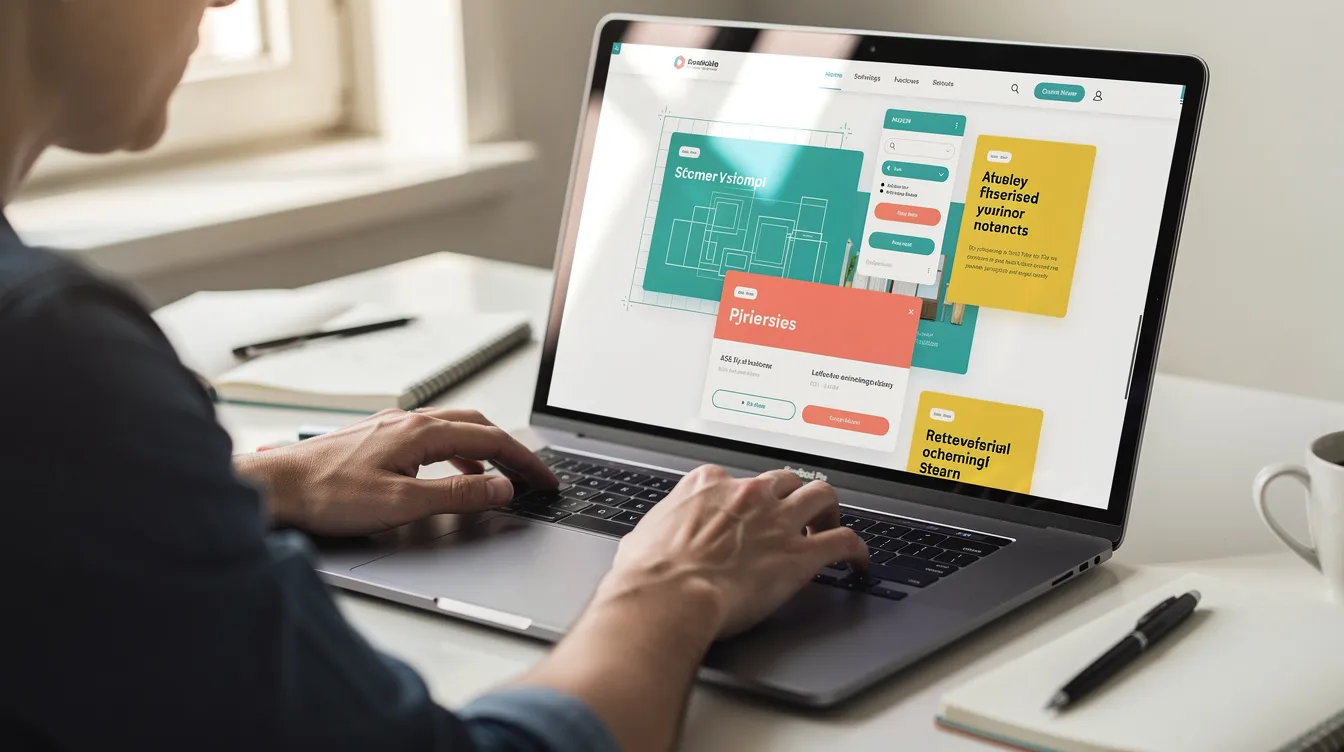
What is an AI based website?
It is any site whose structure, design, copy, images or behavior are created or regularly updated by AI rather than entirely by hand. That covers a wide range:
- Simple AI generated site: a local plumber describes the business and gets a draft site with services, a contact form and a gallery.
- Hybrid site: a founder generates a landing page layout with AI, then rewrites the copy and adds real screenshots.
- AI powered site: a web app with AI search, recommendations or a support chatbot that works for every visitor.
How AI website builders work
Most builders start with a prompt or a short questionnaire about your business, audience and style. The AI then:
- Plans the layout: hero section, features, pricing, FAQ and contact, based on common patterns for your type of site.
- Writes the copy: a language model drafts headlines, descriptions and FAQs from your brief.
- Adds visuals: generated images or stock photos, plus colors and fonts that match your style.
- Makes it responsive: layouts adapt to phones and tablets automatically.
Because builders like Wix and Framer run on their own hosting, things like SSL, uptime and domains are handled for you. You then refine the draft with prompts or a visual editor.
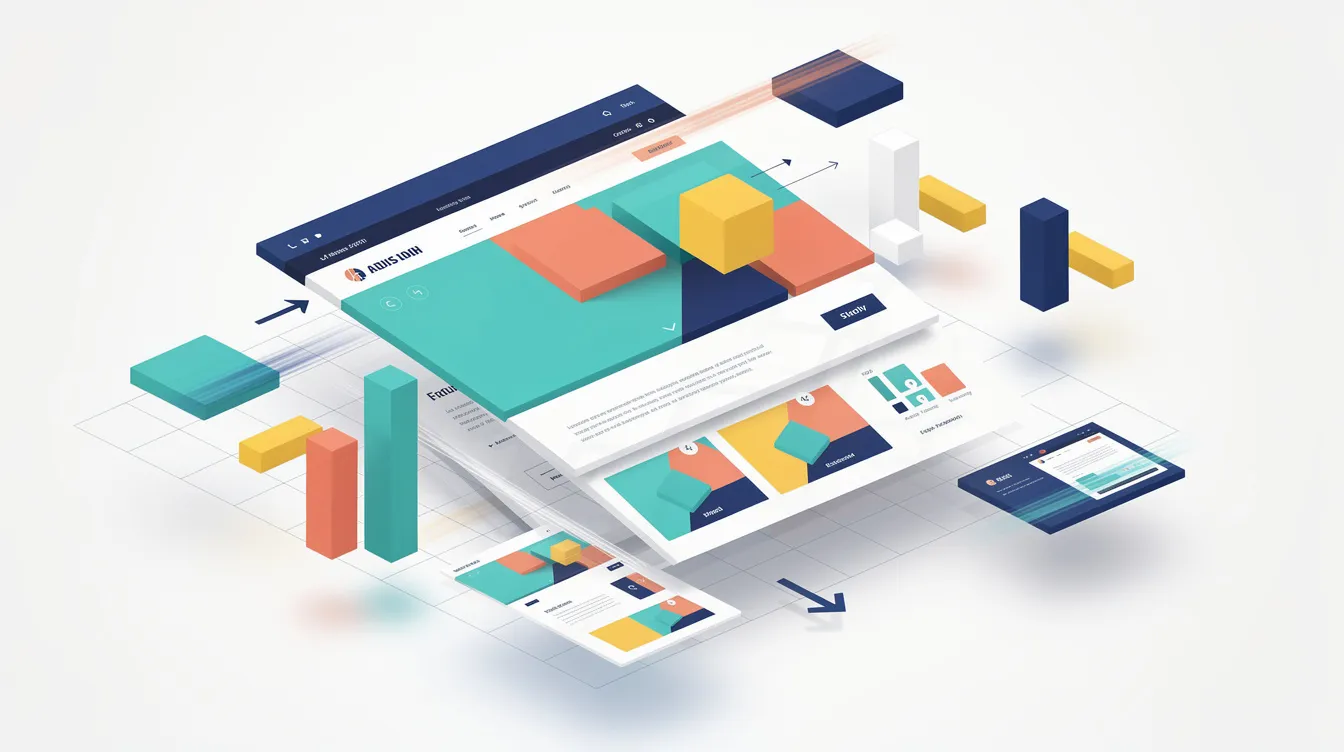
Three ways to build an AI based website
Approach | Examples | Best for | Trade-off |
|---|---|---|---|
AI website builder | Wix, Framer, Durable | Business sites, portfolios, landing pages | Your site lives on the builder's platform |
AI app builder | Custom sites and web apps with logic | Credit or token costs; more to manage | |
AI coding tools | Cursor, Claude Code | Developers who want full control | You need to be comfortable with code and hosting |
Popular AI website builders
This is an overview, not a ranking. Agentdex doesn't sell placements.
Wix
Wix's AI website builder turns a prompt into a site you can keep editing by chat with Aria, its built-in AI agent, or with drag-and-drop. Business tools such as an online store, bookings and a blog can be added as you go, and Wix advertises 99.99% uptime on its hosting. Wix ADI, its older AI tool, was retired on November 10, 2024.
Pricing: free to start; custom domains and online payments need a Premium plan. Trade-off: it is a closed platform, so moving a Wix site elsewhere means rebuilding it.
Framer
Framer is a design-focused site builder with AI agents, a CMS and hosting, popular with designers, startups and marketers who want polished landing pages and portfolios.
Pricing (billed yearly): Free includes 500 AI credits to try and a Framer domain. Basic costs $10/month with a custom domain and 1,000 credits a month, and Pro costs $30/month with 3,000 credits, staging and more CMS capacity. Extra editors cost $20/month each. Trade-off: it is built for marketing sites, not complex stores or web apps.
Durable
Durable is aimed at small service businesses that want a site live fast. It bundles a website with a CRM, online bookings, SEO tools and AI agents for blog posts and review replies.
Pricing: Free lets you build and preview a site with 300 AI credits. Launch costs $25/month ($22 billed yearly) and Grow $49/month ($41 billed yearly). Trade-off: Durable says it does not offer extensive HTML customization, so design flexibility is limited.
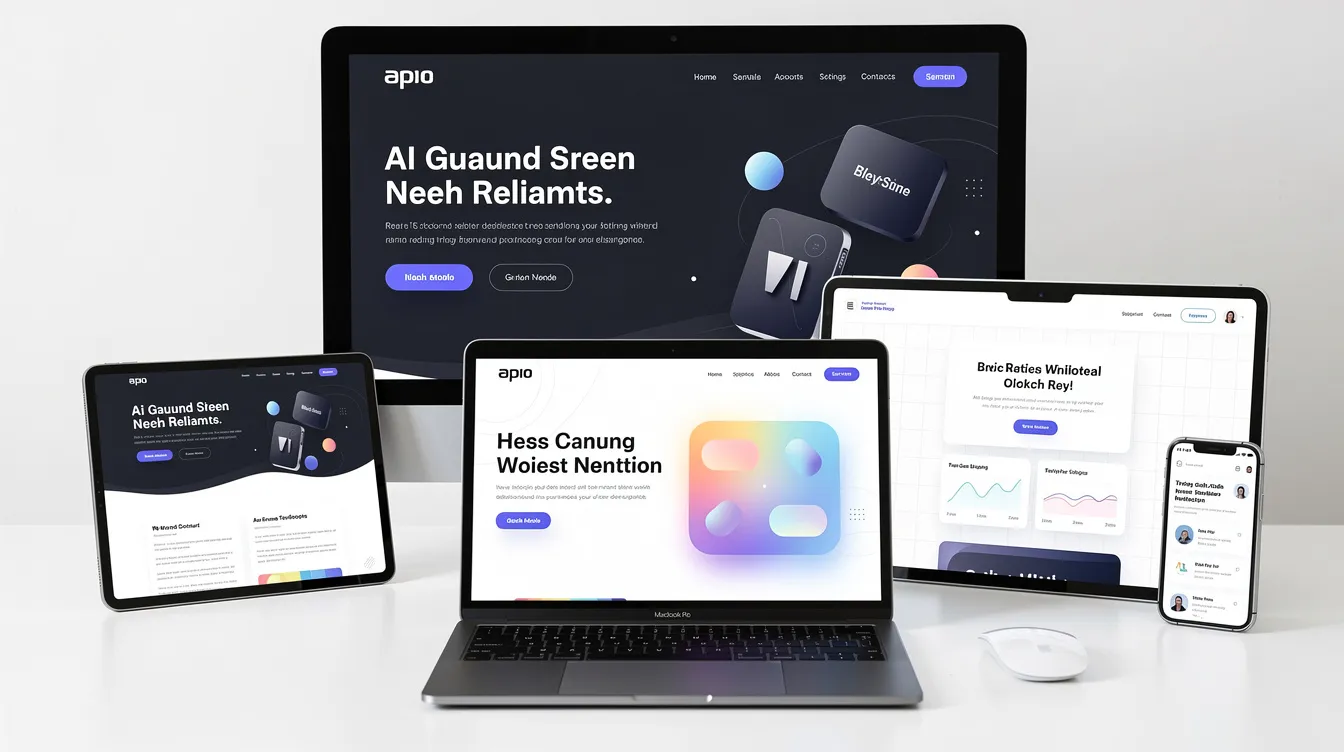
Building custom sites with AI app builders and coding tools
If you need logins, dashboards or custom logic, an AI app builder is a better fit than a website builder. Lovable builds full-stack web apps with a built-in backend (Pro from $25/month). Bolt.new builds and hosts apps in the browser (Pro $18/month billed annually). v0 by Vercel is strongest for Next.js sites (Plus $30 per user per month). All three let you start free. See the best AI app builders for a fuller comparison.
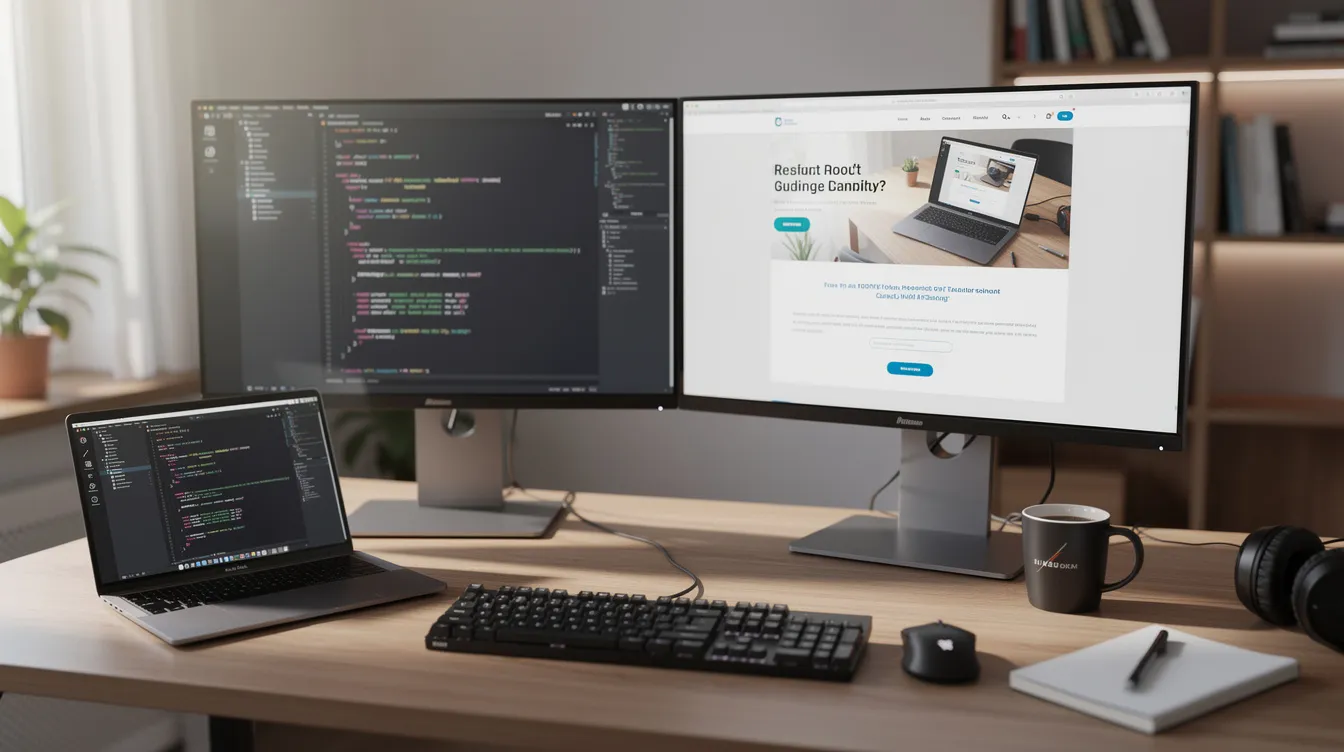
Developers can go further with AI coding tools like Cursor or Claude Code, which write and edit code in a normal project you host anywhere. That gives the most control and the most responsibility. Our guide to vibe coding explains the workflow.
Pros and cons of AI generated websites
Pros
- Speed: a draft site in minutes instead of weeks.
- Lower upfront cost: less need for a designer or developer at the start.
- Accessible to non-technical owners, with responsive layouts by default.
- Built-in SEO basics such as meta tags, headings and sitemaps on many builders.
Cons
- Generic look: default layouts, stock-style images and boilerplate copy.
- SEO risk: thin, unedited AI copy rarely ranks well.
- Accessibility gaps: contrast, alt text and keyboard navigation still need checking.
- Lock-in: many builders don't let you export your site.
A realistic workflow
- Define the goal and audience. "Landing page for an indie puzzle game for casual mobile players" beats "game website".
- Pick the right tool for the job: builder, app builder or coding tool.
- Write a detailed prompt with tone, sections and style.
- Edit the draft hard. Rewrite headlines in your own voice, cut extra sections and swap in real images.
- Connect your domain and analytics, and set titles and meta descriptions for each page.
- Check mobile, accessibility and speed before launch.
- Launch and keep improving, approving every AI-suggested change yourself.
How to keep an AI website from looking like everyone else's
- Change the default colors and fonts.
- Use your own photos and screenshots instead of generated or stock images where you can.
- Rewrite every headline and the main page copy yourself.
- Remove sections that don't help visitors decide.
- Add specifics only you have: real customer stories, prices and examples.
SEO and accessibility basics
Builders handle structure, but rankings come from useful, original content. Do keyword research, write unique copy for each page and keep pages fast by limiting extra scripts and widgets. For accessibility, check alt text on every image, color contrast (WCAG AA as a minimum), keyboard navigation, a logical heading order and descriptive link text.
FAQ
What is the difference between an AI generated website and an AI powered website?
An AI generated website was created with AI: layout, copy and images. An AI powered website uses AI after launch, for example a chatbot, AI search or personalized recommendations. Many sites are both.
Can I build an AI based website without coding?
Yes. Wix, Framer and Durable let you build and edit a site with prompts and visual editors, no code needed.
Are AI website builders free?
Wix, Framer and Durable all let you start free. You need a paid plan for a custom domain, and on Wix also for online payments.
Is AI generated content bad for SEO?
Unedited, generic AI copy tends to perform poorly because it adds little value. Use AI for drafts, then edit with original details and expertise.
Which AI website builder is best?
It depends on the job: Wix for all-round business sites with stores and bookings, Framer for design-led marketing sites, and Durable for service businesses that want a site plus a CRM. For custom web apps, use Lovable, Bolt.new or v0.
Written by Agentdex Editorial. Agentdex is an independent directory reviewing AI coding tools; some links are affiliate links, marked as such (disclosure), and they never change our rankings. Prices and features are as of October 24, 2026, from official sources linked above. Always confirm on the vendor's site.